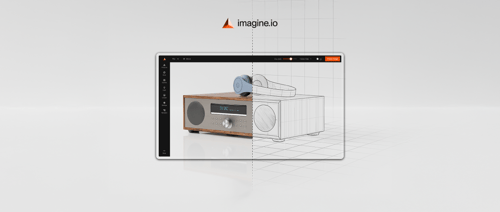

What is an OBJ File?
The OBJ file format (Wavefront Object) is a lightweight, open-standard, text-based format designed to store 3D geometry such as vertices, edges, faces, and texture mapping. Its simplicity and universality make it compatible with nearly all major 3D modeling, printing, and visualization tools.
While surface details like colors and textures are referenced through companion MTL (Material Template Library) files, the format itself focuses on static geometry and does not include animation or full scene data.
Think of it like this: the OBJ format is to 3D objects what a PDF is to documents. It’s portable, widely supported, and works across multiple tools and industries.
What an OBJ File Contains
- Vertex Positions (v): The XYZ coordinates that mark the exact placement of points in 3D space.
- UV Mapping (vt): Texture coordinates that determine how a 2D image wraps around the 3D surface.
- Normals (vn): Directional vectors that indicate how each surface interacts with light, essential for shading.
- Polygon Faces (f): Instructions that define which vertices connect to form triangles, quads, or other polygons.
- Groups (g): Labels used to organize and separate different components of the same 3D object.
- Material References: Links to external MTL files that describe visual properties such as color, glossiness, transparency, and texture maps.
This makes it perfect for 3D OBJ models that need to be shared across teams and tools without losing integrity.
Why OBJ Files Matter for Businesses
For higher management teams evaluating digital strategies, the OBJ format isn’t just another technical specification—it’s a cornerstone of how products are designed, visualized, and marketed today. Here’s why:
-
Universality
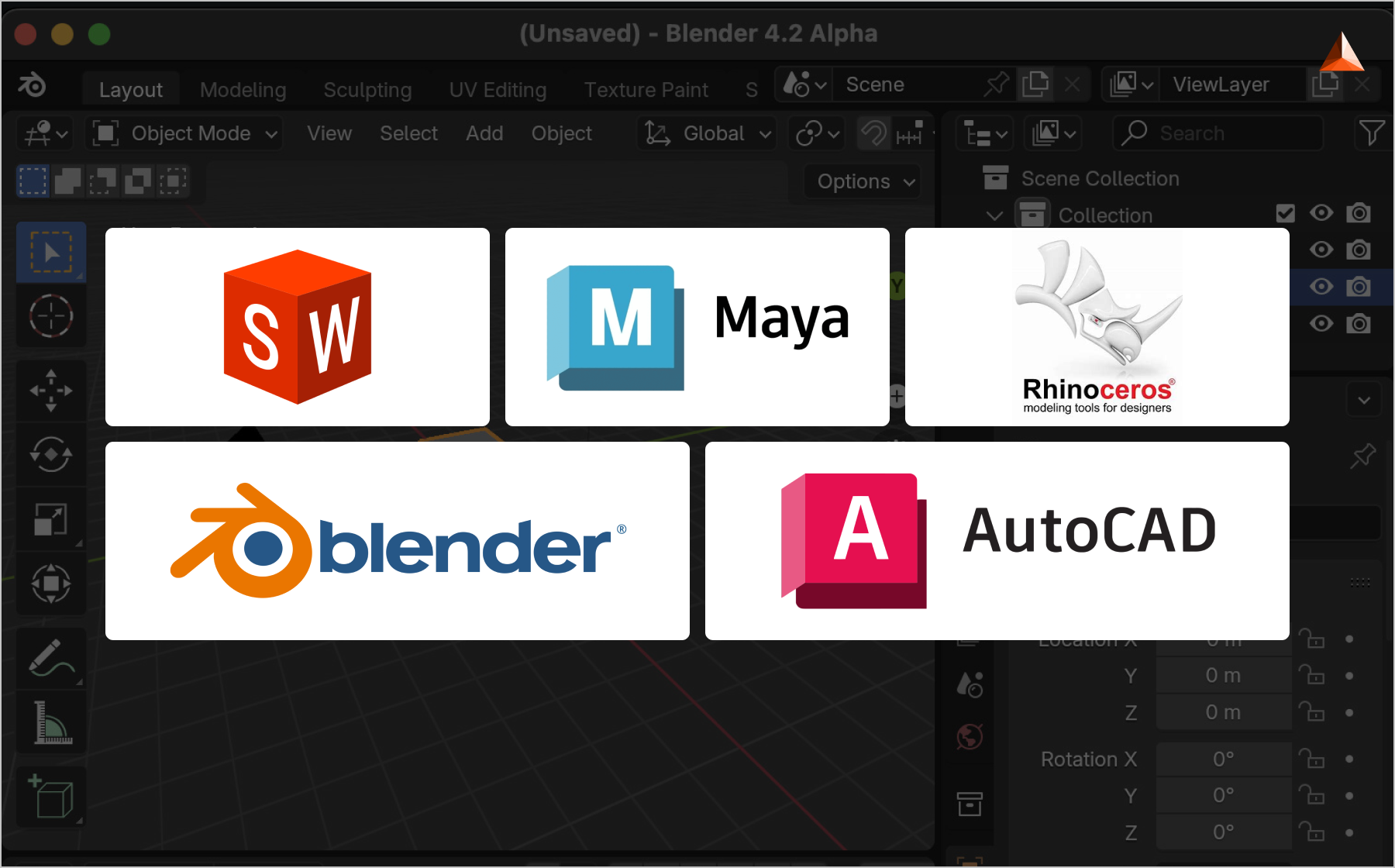
Almost every 3D tool—Blender, Maya, AutoCAD, SolidWorks, Rhino, and even web-based engines—supports the OBJ file format. This universality reduces dependency on a single tool or vendor.
For businesses, it means smoother collaboration between design, engineering, and marketing teams. Instead of reformatting assets for every department, a single OBJ file type can flow across the entire product lifecycle.
-
Scalability
The OBJ format works equally well for a simple 3D image file (like a small component) and for highly detailed 3D OBJ models with thousands of polygons. This scalability makes it future-proof: companies don’t need to switch formats as projects grow in complexity.
For example, a furniture brand might start with a simple chair model and later build an entire living room set—all within the same format.
-
Cross-Industry Utility
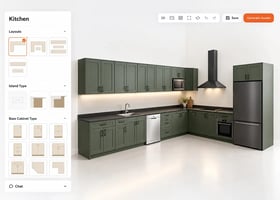
From retail to automotive to architecture, the OBJ file type has proven itself as a trusted standard. In eCommerce, it powers 3D product configurators. In automotive, it’s used to model engine parts.
In architecture, it visualizes building components. This cross-industry adoption gives businesses confidence that investing in OBJ 3D models will pay off across multiple use cases.
-
3D Printing
When 3D printing an object there are two types of common files: OBJ (Object File) and STL. While STL handles the geometry, OBJ has a key advantage: it supports color and texture data.
That means if you’re prototyping a sneaker with a specific fabric pattern, or a medical model with color-coded sections, the OBJ format delivers greater accuracy. For businesses, this precision can significantly reduce prototyping costs and shorten time-to-market.
-
Compatibility with Platforms
Finally, the OBJ format integrates seamlessly with modern visualization platforms like imagine.io.
Instead of treating an OBJ file as just raw data, businesses can import it directly into platforms like imagine.io to generate lifestyle renders, AR previews, 360° spinners, or rule-based configurators. This means higher ROI from existing 3D assets—without adding complexity for internal teams.
Pros and Cons of OBJ File Format
Like any format, the OBJ format has its strengths and limitations.
Pros
- Widely Supported: Universally recognized across almost all 3D applications.
- Simple & Transparent: Human-readable plain text makes debugging easy.
- Supports Textures & Materials: With MTL files, it stores rich details.
- Cross-Platform: Perfect for moving assets between different software.
- High-Quality Output: Maintains precision in 3D OBJ models.
Cons
- Large File Sizes: Compared to newer formats like GLTF, OBJ files can be heavy.
- No Animation Data: Doesn’t store skeletons or rigging, limiting use in dynamic scenes.
- Slower for Web: Without compression, OBJ files may not be ideal for real-time rendering online.
- Outdated in Some Cases: Newer formats like FBX or GLTF handle modern workflows more efficiently.
For many businesses, this balance makes the .OBJ format best suited for static product visuals, prototyping, and OBJ 3D models in digital catalogs.
OBJ Format vs. Other 3D Object File Types
With so many 3D object file types, how does the OBJ format compare?
|
File Type |
Best For |
Strengths |
Limitations |
|
OBJ |
Universal 3D geometry |
Widely supported, simple, supports textures |
Larger file sizes, no animation |
|
STL |
3D printing |
Lightweight, widely adopted |
No textures or colors |
|
FBX |
Animation, AR/VR |
Complex scenes, supports animation |
Proprietary, larger files |
|
GLTF |
Web & real-time |
Lightweight, optimized for browsers |
Newer, not as universal |
Practical Scenarios Where OBJ Files Deliver Value
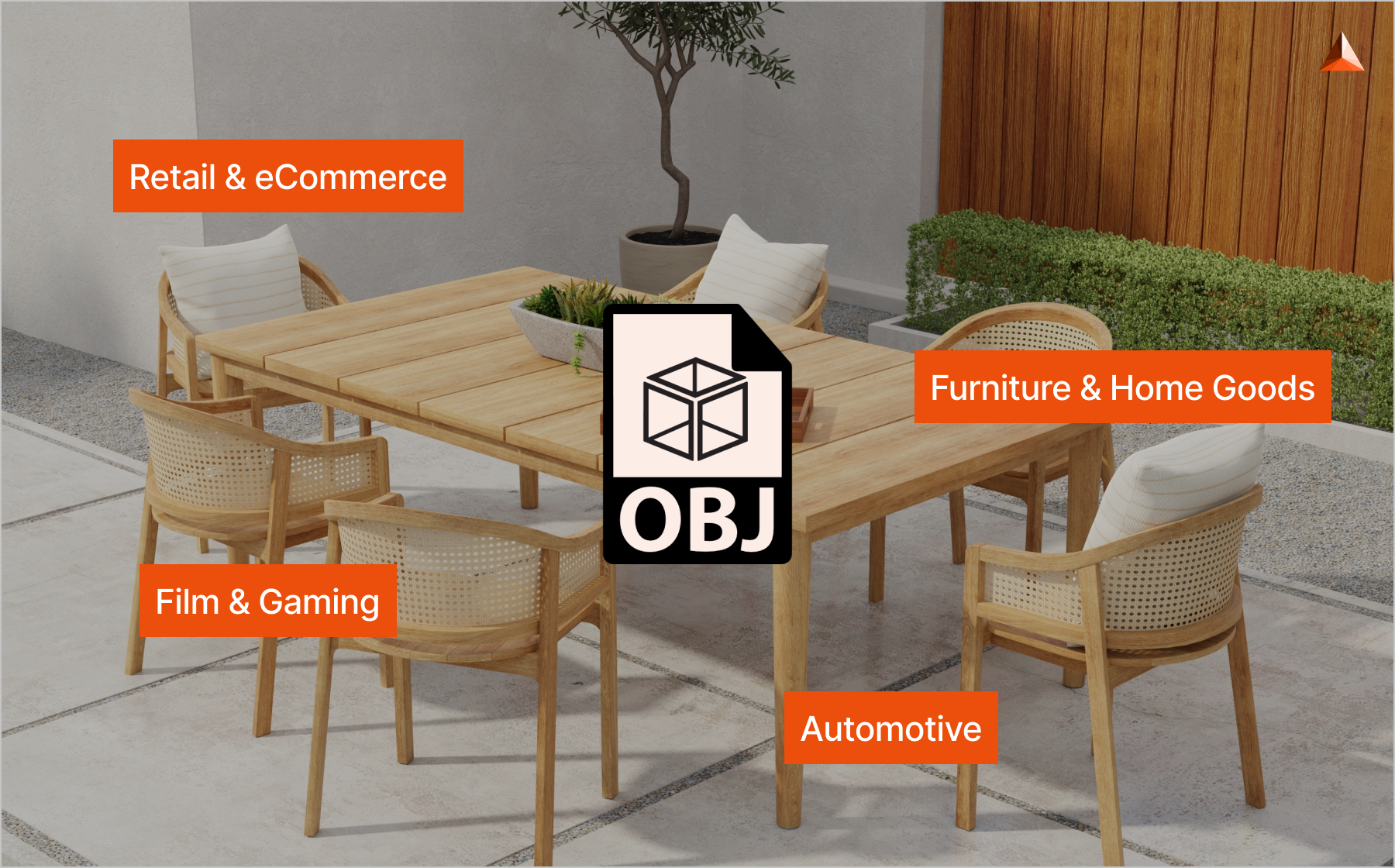
The strength of the OBJ file format lies in its versatility. Different industries use it in ways that directly impact efficiency, customer engagement, and overall business outcomes:
-
Retail & eCommerce
In digital commerce, visuals often make or break the buying decision. Retailers and D2C brands use OBJ files to power 3D configurators, AR try-ons, and 360° product spinners.
These applications allow shoppers to interact with products in real time, explore details from every angle, and even preview items in their own environment—helping reduce purchase hesitation and improve conversion rates.
-
Furniture & Home Goods
When it comes to furniture, buyers want to see how a product will look in their own space. That’s where OBJ images become valuable.
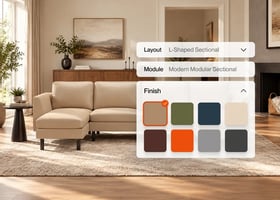
A sofa or dining table modeled as an OBJ 3D file can be integrated into AR apps, allowing customers to virtually “place” the item in their living room. This not only reduces product returns but also builds buyer confidence.
-
Automotive
In automotive design and marketing, precision is critical. Engineers create highly detailed 3D OBJ models of parts and assemblies for prototyping, simulation, and quality checks.
On the marketing side, these same files can be repurposed to create high-resolution visuals for catalogs, configurators, or launch campaigns—bridging engineering and sales teams with one consistent format.
-
Film & Gaming
The entertainment industry often deals with massive production pipelines. Studios import 3D image files like OBJ as static meshes into environments where animation and rendering happen.
Because the OBJ format is simple and widely compatible, it’s ideal for quickly moving assets between software and teams, keeping projects on schedule.
In short: OBJ isn’t just a file extension—it’s a business enabler. From helping brands communicate design intent more effectively to creating immersive shopping experiences and reducing production bottlenecks, the OBJ file format supports faster go-to-market strategies and richer customer journeys.
Viewing and Working with OBJ Files
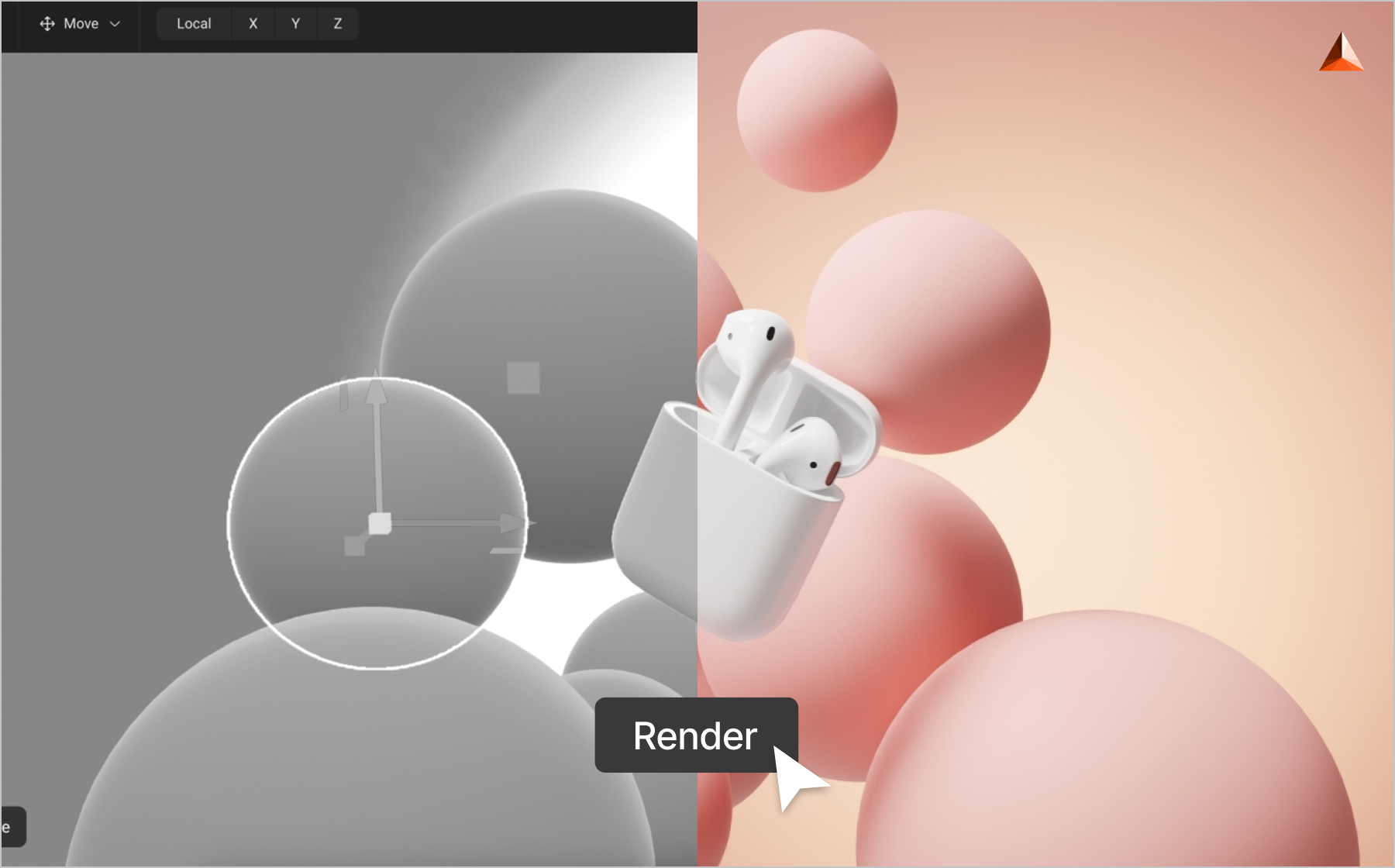
The good news is that working with the OBJ format doesn’t require specialized hardware or overly complex tools. Because of its universality, almost any 3D application can handle it. Here are the most common ways businesses and professionals interact with OBJ files:
-
Free and Open-Source Viewers
Programs like MeshLab, Blender, and Wings 3D allow you to open and view .OBJ files without cost. These tools are especially useful for quick inspections, basic edits, or checking geometry before moving into production.
-
Professional 3D Software
For more advanced use cases, software such as Autodesk Maya, 3ds Max, Rhino, and Cinema 4D provide robust environments for working with OBJ 3D models. These platforms support complex editing, rendering, and exporting workflows.
-
OBJ File Conversions
The OBJ file format is often converted into other 3D object file types depending on the workflow:
- STL – Primarily for 3D printing, where geometry is more important than textures.
- FBX – For animation or when you need to store skeletal and motion data.
- GLTF/GLB – Optimized for web use and real-time applications, thanks to lighter file sizes.
-
Web-Based Viewers
Today, there are also browser-based tools that can open OBJ files directly online. These are handy for quick previews and sharing files with team members who may not have design software installed.
Conclusion
To summarize:
- The OBJ format is a universal, flexible, and reliable 3D file type.
- It excels at storing geometry, textures, and detailed 3D OBJ models.
- While it has limitations in animation and file size, it’s still the go-to standard for static visuals, 3D printing, and product visualization.
- For businesses, leveraging platforms like imagine.io ensures that these files aren’t just technical assets but become customer-ready, interactive visuals.
Ready to elevate your product visuals? Activate your free demo with imagine.io today and see how easily your OBJ assets can transform into immersive, interactive experiences.
.gif?width=1296&height=1296&name=Untitled%20design%20(8).gif)
Book a demo with our experts





.png?width=500&name=How%20to%20Add%20a%203D%20Product%20Configurator%20to%20Your%20WordPress%20Website%20(Complete%20B2B%20Guide).png)













%20(1).png?width=500&name=Why%20Exploded%20Mattress%20Views%20Matter%20(And%20How%20to%20Generate%20Them)%20(1).png)
.png?width=500&name=Best%20Shopify%20Product%20Configurator_%20How%20to%20Choose%20the%20Right%20One%20(2).png)
.png?width=500&name=Why%20Exploded%20Mattress%20Views%20Matter%20(And%20How%20to%20Generate%20Them).png)


.png?width=500&name=Best%20Shopify%20Product%20Configurator_%20How%20to%20Choose%20the%20Right%20One%20(1).png)




.png?width=500&name=How%203D%20Rendering%20Can%20Make%20or%20Break%20Your%20Industrial%20Design%20Pitch%20(1).png)




%20with%20Digital%20Twins%20and%203D%20Visualization.png?width=500&name=Optimizing%20Your%20Digital%20Asset%20Management%20(DAM)%20with%20Digital%20Twins%20and%203D%20Visualization.png)