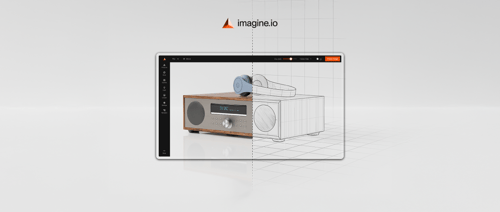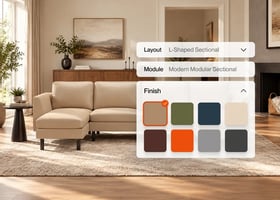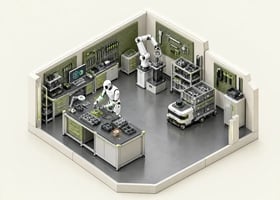

What is a 3D Product Configurator for Manufacturing?
A 3D product configurator for manufacturing is an interactive tool that allows buyers, sales teams, and internal stakeholders to customize complex products in real time—while automatically applying your engineering rules, pricing logic, and production constraints.
Instead of relying on static PDFs, manual CAD updates, or back-and-forth emails, a configurator lets users visually modify components, materials, dimensions, add-ons, and features through a dynamic 3D model. Every change is instantly validated, ensuring only buildable, accurate configurations move forward.
In short, it’s a powerful way to simplify complexity, speed up quoting, and eliminate costly mistakes—while giving customers complete confidence in what they’re buying.
Why 3D Configurators Are a Game-Changer for Manufacturers
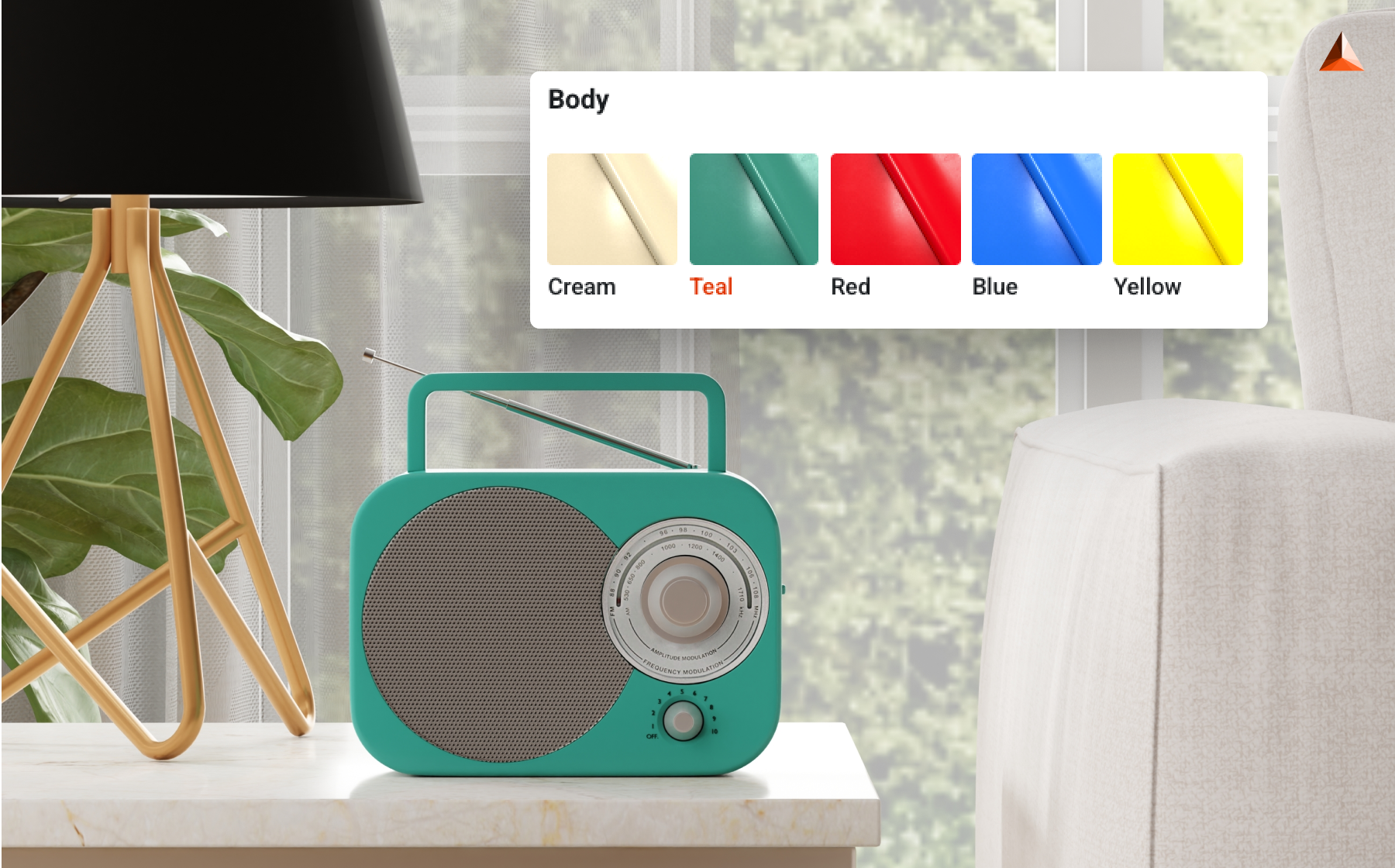
Now, let’s take a closer look at why 3D configurators are transforming the manufacturing industry.
1. Faster Sales Cycles
In manufacturing, speed wins deals. A 3D configurator removes the slow, manual steps that typically delay quotes and approvals. Buyers no longer wait days for engineering checks, mock-ups, or updated pricing.
Instead of waiting for back-and-forth approvals or manual updates, buyers receive instant pricing, real-time product visuals, automatically generated spec sheets and PDFs, and fully formatted proposals. This equips sales reps and dealers with everything they need to close deals immediately, significantly shortening the sales cycle.
2. Zero Configuration Errors
Misconfigurations are expensive. Whether it’s selecting incompatible parts or misinterpreting product rules, even small errors can cause production delays, material waste, or rework.
A manufacturing configurator addresses these challenges by embedding all constraints directly into the system. Every option a buyer selects is automatically validated to ensure it is feasible, manufacturable, and fully aligned with your engineering rules.
This results in cleaner orders, fewer errors, and a much smoother workflow from quote to production.
3. Real-Time 3D Visualization Builds Buyer Confidence
Manufacturers selling high-ticket or technically complex products face one major challenge: buyers often can’t fully visualize what they’re purchasing.
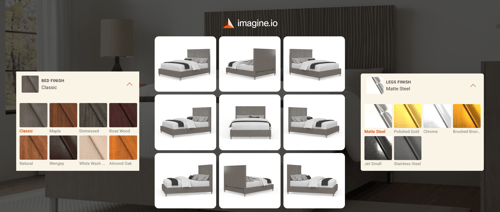
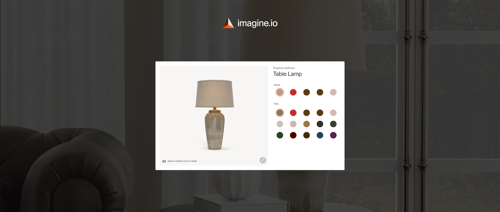
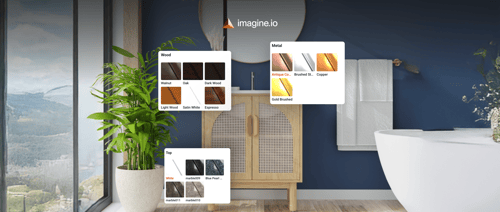
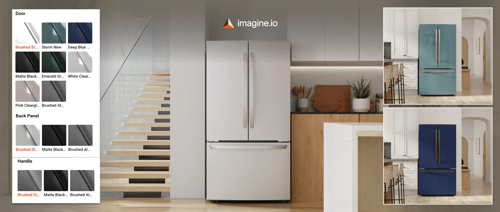
A 3D configurator solves this by letting customers rotate, zoom, and customize products in real time. As they change components, sizes, materials, or finishes, the product updates instantly.
This reduces uncertainty, eliminates guesswork, and increases conversion rates—even for highly technical products.
4. Automated Engineering Outputs
Engineering teams often get pulled into repetitive tasks—generating CAD files, updating drawings, creating cut sheets, or preparing BOMs for every custom order. A modern configurator automates this entire process by generating:
- Bill of Materials (BOM)
- Component/part lists
- Cut sheets
- CAD files and STEP files
- Assembly instructions
- Technical drawings
This reduces manual workload, speeds up production, and ensures every order is fully aligned with engineering standards before it hits the factory floor.
5. Reduced Need for Physical Prototypes
Physical prototypes are costly and time-consuming—especially when products have dozens of variations. With a 3D product configurator for manufacturing, teams can rely on photo-realistic 3D visuals and digital models instead of repeatedly building samples.
This approach helps manufacturers reduce R&D and prototyping costs, shorten product development cycles, and digitally validate designs before production. Overall, it offers a faster, more scalable, and significantly more cost-efficient workflow.
6. Seamless Omni-Department Collaboration
One of the biggest hidden advantages of a configurator is how it unifies teams across the organization. Because every department works from the same validated data, communication becomes seamless:
|
Team |
Benefit |
|
Sales |
Faster quotes, fewer errors |
|
Engineering |
Automated CAD/BOM outputs |
|
Marketing |
Unlimited product visuals |
|
Production |
Accurate specs every time |
|
Customers |
Real-time customization |
This alignment removes silos, reduces back-and-forth, and ensures every team works with accurate, up-to-date information.
Key Features to Look for in a Manufacturing Configurator
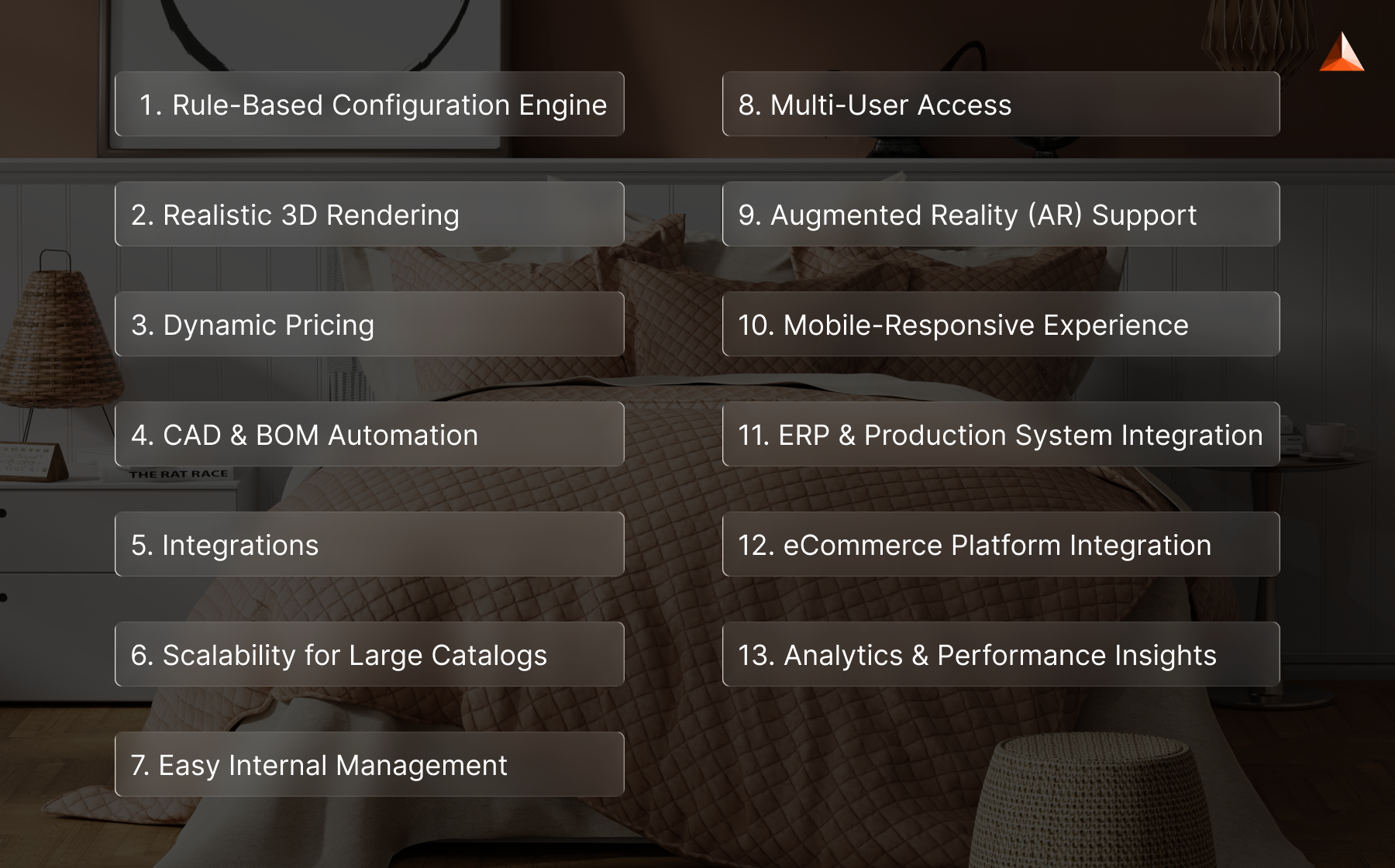
Choosing a manufacturing configurator is not just a tech decision—it’s a workflow decision. The right platform can reduce engineering hours, help sales close faster, and create a smoother path from configuration to production. Here’s what truly matters when evaluating your options:
1. Rule-Based Configuration Engine
This is the foundation of any serious manufacturing configurator. It ensures that every combination a buyer selects follows your engineering constraints—so no order slips through with impossible dimensions, incompatible parts, or non-standard materials.
A solid rules engine should support:
- Dependencies: If you choose Part A, then Part B must be included.
- Constraints: Certain dimensions or materials only work within specific ranges.
- Logic rules: “If—then” logic that mirrors how your product is actually built.
- Compatibility: Prevents users from selecting options that don’t work together.
- Conditional pricing: Adjusts cost automatically based on what’s selected.
This engine is what shields you from production mistakes, rework, and unnecessary engineering intervention. Without it, even the best 3D visuals can lead to misaligned orders.
2. Realistic 3D Rendering
Manufacturers sell complex products—machines, components, modular systems, furniture, equipment—where visuals matter. Buyers need to understand what they’re customizing. A strong configurator offers:
- Photo-realistic models that reflect real materials, finishes, and proportions
- High-fidelity textures so buyers can see grain, gloss, patterns, and details
- Accurate lighting for a more realistic representation
- Fast rendering performance on web and mobile, even for heavy models
When customers can see exactly what they’re configuring, they both trust the outcome and make purchasing decisions faster.
Visualization directly influences the decision-making process—especially for high-ticket items with technical complexity.
3. Dynamic Pricing
Dynamic pricing is crucial in manufacturing, where costs fluctuate based on raw materials, custom sizes, component upgrades, accessory add-ons, or order volume.
A robust configurator should automatically adjust pricing as users make selections, accounting for material costs, dimensional changes, optional add-ons, volume-based discounts, regional or dealer-specific pricing, and special configurations.
This real-time pricing capability empowers sales teams to provide accurate quotes instantly, eliminating the back-and-forth that typically slows down the sales process.
4. CAD & BOM Automation
This is where configurators truly prove their ROI. Traditionally, custom orders require engineering to generate CAD files, update BOMs, create cut lists, or prepare detailed drawings—leading to bottlenecks. A robust configurator automates these tasks by generating:
- CAD files (STEP, IGES, DWG, etc.)
- BOM breakdowns with exact components
- Cut lists for production teams
- Assembly instructions tailored to the configuration
- Packaging and labeling specs
This doesn’t just save time. It ensures that every file aligns perfectly with the configuration the buyer created—closing the gap between intent and production.
5. Integrations
A configurator becomes exponentially more valuable when it fits into your existing systems. Look for seamless integrations with:
- ERP for manufacturing and inventory management
- CRM for customer and dealer workflows
- PIM for product data
- PLM for engineering data
- Inventory software for stock availability
- eCommerce platforms for online ordering
Integrations remove manual data entry and keep every department working with the same accurate information. No more mismatched SKUs, outdated price lists, or inconsistent product details.
6. Scalability for Large Catalogs
Manufacturers often manage large product families, thousands of parts, heavy 3D assets, and frequent product updates.
Your configurator should be designed to scale, meaning it can handle massive datasets without slowing down, load complex 3D models efficiently, allow cloning or updating of variations without rebuilding everything, and support new product lines as your catalog grows.
Scalability safeguards your investment and ensures the configurator remains effective as your business evolves.
7. Easy Internal Management
A top-tier configurator empowers your team to make changes independently, without relying on developers.
This means you can easily update pricing rules, modify product logic, swap or adjust 3D models, manage material libraries, create new variants, and add components or options—all from within the platform.
This level of control ensures that updates are fast, efficient, and accurate, reducing turnaround time from weeks to just minutes and keeping your product catalog up to date with minimal effort.
8. Multi-User Access
Manufacturers typically work with a diverse range of users, including sales representatives, dealers and distributors, customers, designers, engineering teams, and internal product managers.
A robust configurator should support role-based access, ensuring that each user only sees the features, pricing, and capabilities relevant to their role.
This approach not only protects sensitive information but also equips every user with the specific tools they need to perform their tasks efficiently, streamlining workflows and maintaining accuracy across the organization.
9. Augmented Reality (AR) Support
AR is becoming a must-have for manufacturers selling products that need spatial validation—furniture, windows, doors, equipment, modular installations, and more. It allows buyers, dealers, or installers to visualize the configured product in a real-world environment before placing an order.
A strong AR module should offer:
- True-to-scale product placement
- Accurate materials, colors, and lighting
- Direct mobile browser support (no app required)
- Fast loading and stable performance
- Integration with the 3D configuration workflow
This ensures buyers can validate size, fit, and aesthetics instantly—reducing returns and boosting purchase confidence.
10. Mobile-Responsive Experience
Not every buyer configures products from a desktop anymore. Sales reps use tablets, customers browse on mobile, and dealers work in the field. Your configurator must perform flawlessly across screens and networks.
A mobile-ready configurator should include:
- Touch-friendly controls for rotation, zoom, and selection
- Fast loading even on mobile networks
- Optimized 3D performance without heavy hardware
- Responsive UI that adapts to any screen size
This ensures your configuration experience is accessible anytime, anywhere—without compromising quality.
11. ERP & Production System Integration
For manufacturers, configuration doesn’t end at visualization. The real power emerges when the configurator connects directly to ERP and production systems, so every selection flows seamlessly into pricing, inventory, and manufacturing workflows.
Key integration elements include real-time pricing pulled from ERP systems, automatic order creation with complete product specifications, inventory checks for components and materials, and production order generation for manufacturing teams, with support for major ERPs like SAP, Oracle, NetSuite, and Dynamics.
These integrations eliminate manual data entry, reduce errors, and ensure all departments remain aligned with the same accurate information.
12. eCommerce Platform Integration
If your configurator supports direct customer ordering or dealer portals, it must integrate closely with your eCommerce system to ensure accurate pricing, specs, and SKUs at checkout.
Look for features like direct add-to-cart for configured products and automatic syncing of product data, pricing, and availability.
Support for platforms such as Shopify, Magento, BigCommerce, and Salesforce Commerce Cloud is essential. Instant price and SKU updates ensure accuracy.
Accurate configuration details are pushed directly to checkout. These capabilities create a seamless buying experience and remove friction from the sales process.
13. Analytics & Performance Insights
Understanding user interactions with your configurator is crucial for increasing adoption, minimizing friction, and driving higher conversions.
A robust analytics system allows manufacturers to see which configurations are most popular, identify where users drop off, monitor completion rates, track time spent on each step or option, observe behavior patterns across devices, and uncover opportunities for A/B testing.
By leveraging these insights, manufacturers can continuously optimize the configurator, make smarter product decisions, and deliver a smoother, more engaging experience for every user.
Web-Based vs. Desktop Manufacturing Configurators
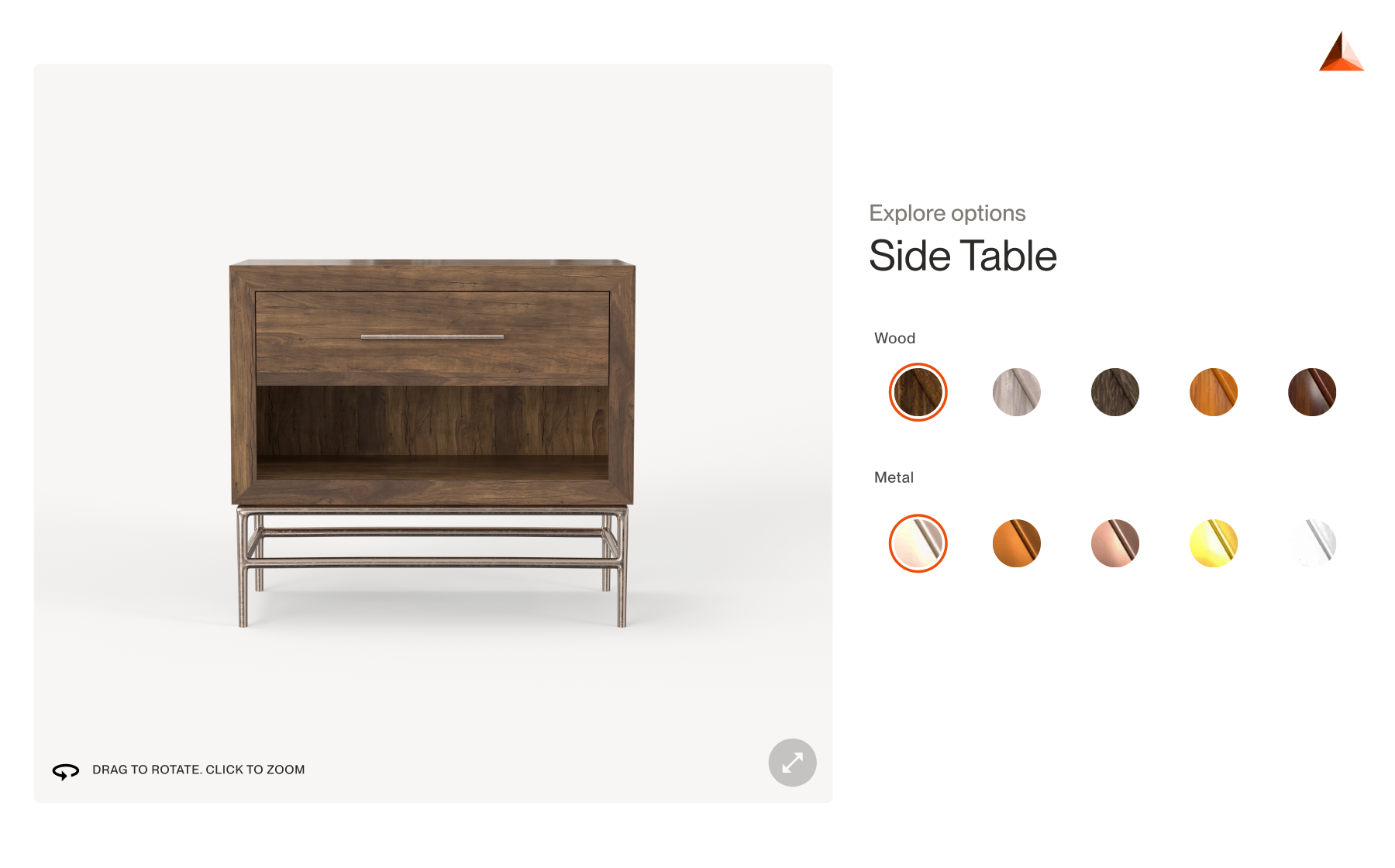
Choosing between a web-based configurator and a desktop/engineering-focused one depends on how (and where) your teams will use it. Both serve different purposes in modern manufacturing.
Web-Based Configurators
Web-based configurators run entirely in the browser, making them accessible to anyone—sales reps, dealers, distributors, or customers—without installing software.
Best for:
-
Sales teams who need quick quotes
-
Dealers who need a simple way to configure products
-
Customers customizing products before purchase
-
Marketing teams need visuals
-
e-commerce product pages and embedded configurators
Why they matter:
Web-based systems are lightweight, easy to access, and perfect for customer-facing use cases. They offer fast loading, real-time updates, and effortless collaboration. Since updates happen in the cloud, your team never has to install anything—everyone always sees the latest product rules, pricing, and visuals.
Pros:
- Zero installation
- Instant access from any device
- Automatic updates
- Ideal for sales, customer experience, and dealer workflows
Desktop or Engineering-Focused Configurators
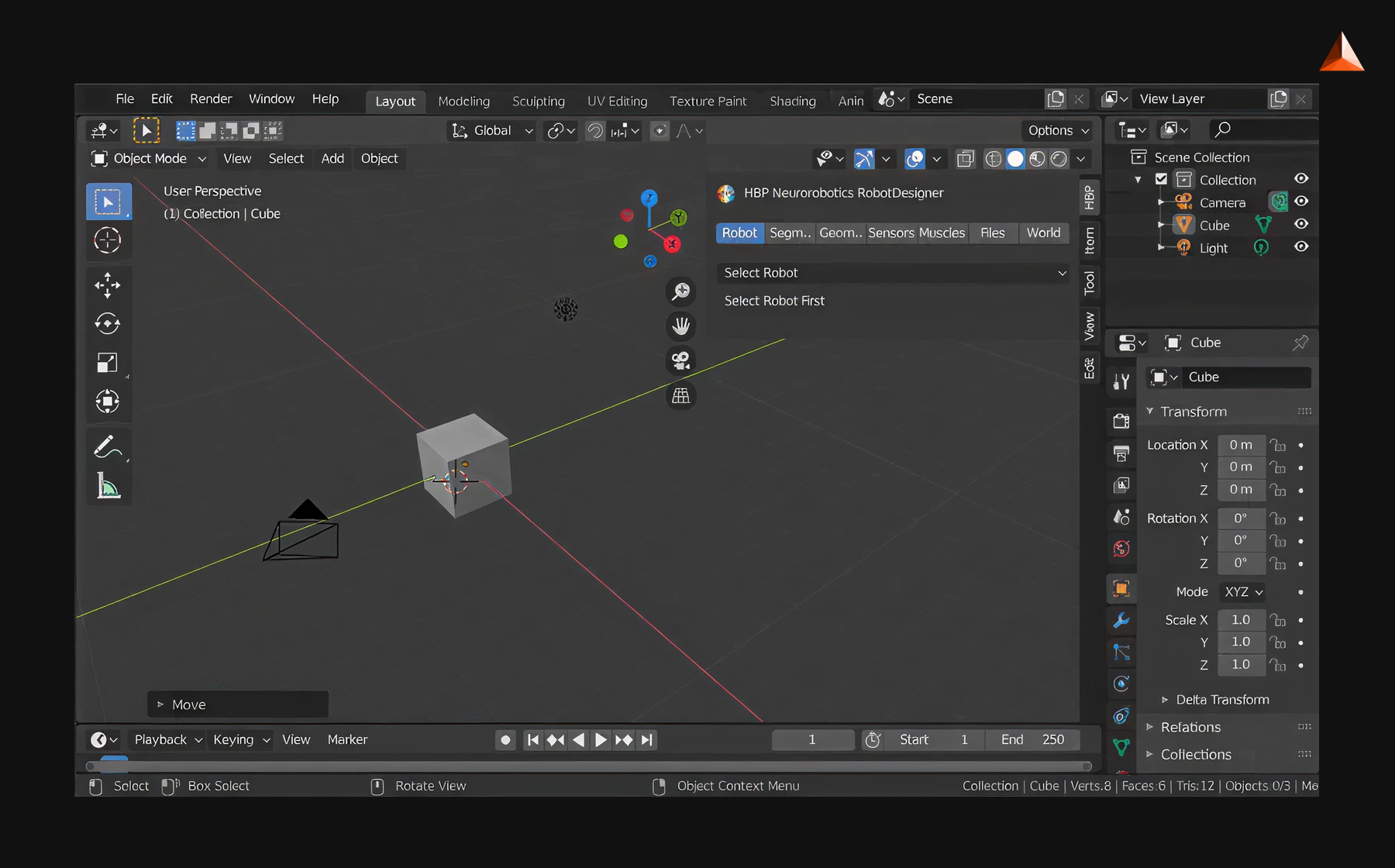
These are more specialized tools built for engineers—not customers. They often integrate tightly with CAD systems and support deep technical customization.
Best for:
-
CAD-heavy engineering workflows
-
Internal product development
-
Highly technical, engineering-only configurations
-
Projects requiring advanced geometry or simulation
Why they matter:
Engineering teams often need strict control over technical details. Desktop configurators give them the depth and precision required for mechanical parts, complex assemblies, structural components, or detailed CAD output.
Pros:
-
More control over technical specifications
-
Direct CAD integration
-
More granular engineering constraint handling
How to Choose the Right Manufacturing Configurator Software
Selecting the right configurator comes down to understanding your workflow, product complexity, and integration needs. A well-chosen system aligns your sales, engineering, and production teams while scaling effortlessly as your catalog grows. Here are some key things to consider:
1. Understand Your Use Case
Before choosing any configurator, be clear about the problem you’re trying to solve. Are you aiming to speed up sales quotes, automate engineering outputs, enable dealers with self-service tools, or improve internal accuracy?
Your primary goal determines the kind of system you need. A sales-led use case requires speed and visualization, while an engineering-led use case demands precision, CAD automation, and rule-heavy logic.
2. Evaluate Your Product Complexity
The complexity of your product catalog should guide the configurator’s rule engine. If you deal with dimensional changes, nested components, compatibility constraints, or modular assemblies, you need a system that supports advanced logic and 3D visualization.
Ask yourself whether 2D views are enough, or if you need full 3D, CAD, or BOM generation to support production and engineering workflows.
3. Check Integration Requirements
A configurator becomes far more powerful when it connects seamlessly to your ERP, CRM, PIM, PLM, or eCommerce platform. Without integrations, teams will end up re-entering data manually, leading to inconsistencies and slowing operations.
The right configurator should fit into your existing tech stack and push/pull data automatically.
4. Consider User Experience
Whether the tool is used by customers, dealers, or internal sales teams, the experience must be intuitive.
Look for a clean interface, fast performance, accurate 3D visuals, and device compatibility. A great configurator shouldn’t require training to use—its design should guide users naturally.
5. Look for Scalability
Your configurator shouldn’t break the moment your catalog grows or your product lines evolve.
Choose a platform that can handle thousands of SKUs, multiple product families, and complex variations without slowing down. It should also allow updates without requiring a rebuild from scratch.
6. Evaluate Support & Onboarding
Manufacturers need ongoing support to keep their configurator accurate and up to date. Look for a partner who stays involved—helping with rule updates, pricing changes, catalog expansions, and new features.
Strong onboarding and continuous support ensure your configurator remains reliable as your business evolves.
Why Manufacturers Need imagine.io

Now that you know why 3D configurators are transforming manufacturing, imagine.io takes it a step further by offering a powerful, web-based solution built specifically for brands with large catalogs, complex variations, and high visual demands.
It gives teams the speed, accuracy, and flexibility they need—without heavy engineering effort or months of setup.
With imagine.io, manufacturers can deliver real-time configuration, streamline internal workflows, and showcase products with stunning, interactive 3D visuals. With imagine.io, you get:
- A robust rule-based engine
- Unlimited 3D product visuals
- Real-time configuration
- Instant material/size/color updates
- Dealer portals & embeddable configurators
- Zero coding for updates
- High-quality render automation
Perfect for furniture, machinery, industrial equipment, building materials, modular systems, and any product with customization.
Final Thoughts
For today’s manufacturers, a 3D product configurator is far more than a visual enhancement—it’s a complete workflow upgrade. It speeds up sales cycles, eliminates costly configuration errors, automates engineering outputs, and gives customers the clarity they need to make decisions with confidence.
When implemented well, it becomes a central system that aligns sales, engineering, production, and marketing around the same accurate, real-time data.
Choosing the right configurator empowers your team to sell faster, build smarter, and scale without operational friction.
And if you’re looking for a platform that combines high-quality visualization, powerful rule-based logic, and zero development headaches, imagine.io is designed exactly for that.
Ready to see how a 3D configurator can transform your manufacturing operations? Talk to our experts now.
.gif?width=1296&height=1296&name=Untitled%20design%20(8).gif)
Book a demo with our experts






.png?width=500&name=How%20to%20Add%20a%203D%20Product%20Configurator%20to%20Your%20WordPress%20Website%20(Complete%20B2B%20Guide).png)











%20(1).png?width=500&name=Why%20Exploded%20Mattress%20Views%20Matter%20(And%20How%20to%20Generate%20Them)%20(1).png)
.png?width=500&name=Best%20Shopify%20Product%20Configurator_%20How%20to%20Choose%20the%20Right%20One%20(2).png)
.png?width=500&name=Why%20Exploded%20Mattress%20Views%20Matter%20(And%20How%20to%20Generate%20Them).png)


.png?width=500&name=Best%20Shopify%20Product%20Configurator_%20How%20to%20Choose%20the%20Right%20One%20(1).png)




.png?width=500&name=How%203D%20Rendering%20Can%20Make%20or%20Break%20Your%20Industrial%20Design%20Pitch%20(1).png)






%20with%20Digital%20Twins%20and%203D%20Visualization.png?width=500&name=Optimizing%20Your%20Digital%20Asset%20Management%20(DAM)%20with%20Digital%20Twins%20and%203D%20Visualization.png)