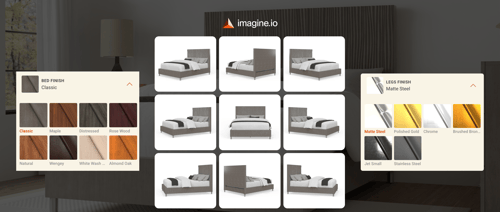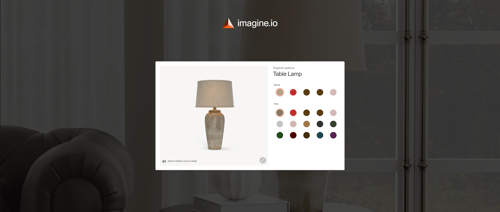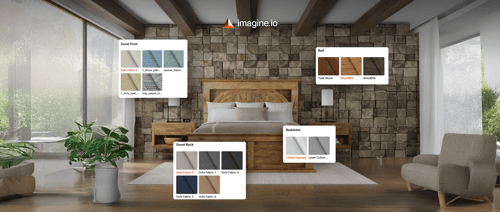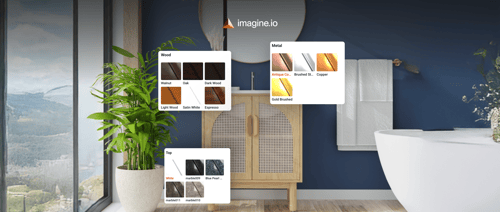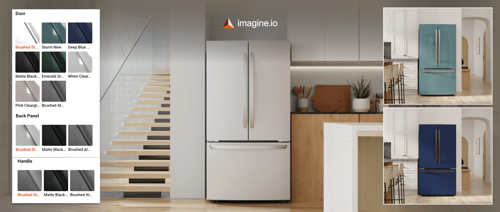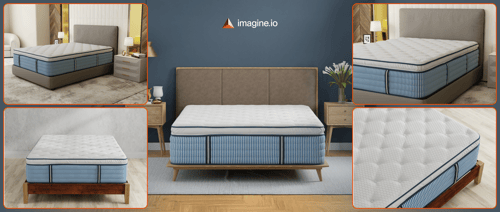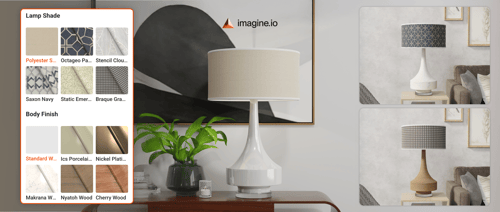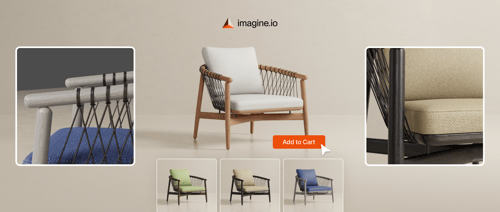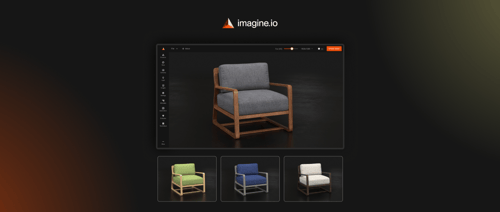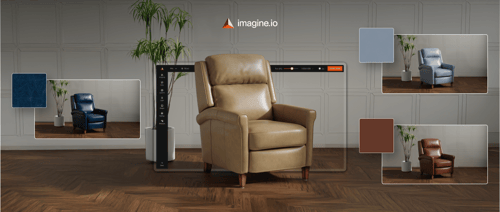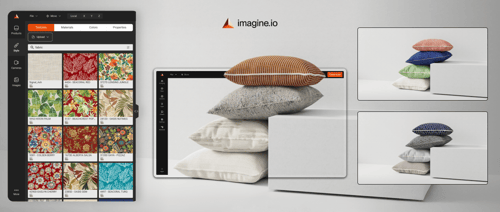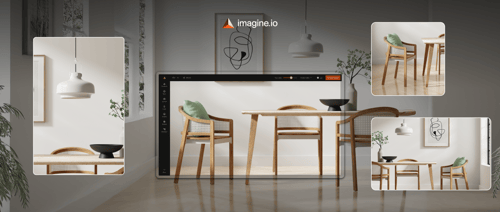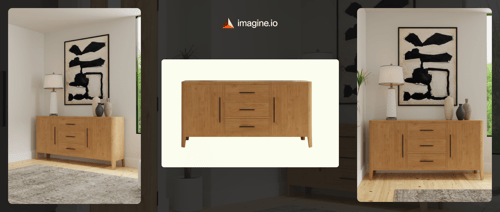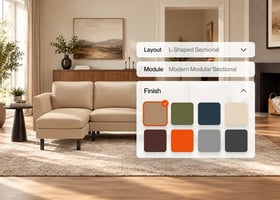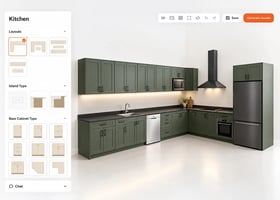

Choosing a 3D product configurator for a furniture or home goods brand comes down to four things: who the tool is built for, how it is priced, which ecommerce platforms it works with, and what it does better than the others. This guide compares six tools that furniture brands shortlist most often (Threekit, Zakeke, Expivi, 3D Cloud, Cylindo and the imagine.io Configurator Platform), with one honest section on each.
There is no single best configurator. A sofa brand with thousands of fabric and module combinations needs something different from a small store selling five customizable tables. Use the comparison table to narrow the list, then read the sections for the tools that fit.
Get the latest updates straight to your inbox.
By clicking sign up you'll receive occasional emails from imagine.io. You always have the choice to unsubscribe within every email you receive.
Quick comparison
Here is a quick look at how the six tools compare:
|
Feature / Capability |
Threekit |
Zakeke |
Expivi |
3D Cloud |
Cylindo |
imagine.io |
|
Best For |
Large brands and manufacturers |
Small and mid-size online stores |
Manufacturers with complex, made-to-order products |
Furniture retailers |
Furniture brands that want product visuals |
Furniture and home goods brands of any size |
|
Pricing Model |
Custom quote |
Published monthly plans |
Custom quote |
Custom quote |
Custom quote |
Free to start; paid plan to go live commercially |
|
Works With |
Enterprise commerce platforms and custom sites |
Shopify, WooCommerce, BigCommerce and other store apps |
Custom sites, with integrations to business systems |
Retail websites |
Any site through its viewer |
Shopify, WordPress, WooCommerce, Magento, BigCommerce, Salesforce Commerce Cloud, Webflow and any site |
|
Stands Out For |
Enterprise visual commerce at scale |
Fast setup through store-platform apps |
Configurators tied to quoting and production |
Furniture-focused 3D and room planning |
360° product visuals for furniture |
Server-side constraints engine with live pricing and quotes |
What to look for in a furniture configurator
Before comparing tools, it helps to know which features actually matter for furniture:
-
Rules and constraints. A sectional sofa has limits: which modules connect, which fabrics apply to which frames, how long a run can be. The configurator must stop invalid combinations from reaching the cart.
-
Live pricing. The price should change with every option, including per-option surcharges, and match what you charge at checkout.
-
Quotes. Many furniture sales end in a quote, not a checkout. A shareable quote or PDF from the configuration saves the sales team time.
-
Platform fit. Check that the tool works with your store platform, or can be embedded on any page.
-
3D models. Ask who builds the models and what it costs. Many brands don't have production-ready 3D files.
-
AR. Seeing a piece at full size in the room is a strong reason to buy furniture online.
-
Threekit
Who it's for: large brands and manufacturers with big catalogs and dedicated ecommerce teams.
Pricing model: custom quote, aimed at enterprise budgets.
Platforms: works with enterprise commerce platforms and custom-built sites.
What it does best: enterprise visual commerce. Threekit combines 3D configuration with large-scale product imagery, so a brand can produce configurator views and marketing visuals from the same product data.
Keep in mind: it is built for enterprise projects, so setup usually involves an implementation project rather than a self-serve start.
-
Zakeke
Who it's for: small and mid-size online stores that want customization running quickly.
Pricing model: published monthly plans, with a trial.
Platforms: installs as an app on popular store platforms, including Shopify, WooCommerce and BigCommerce.
What it does best: fast setup. Because it plugs into store platforms as an app, a store can add a product customizer without a development project. It covers both 2D personalization (text, prints, engraving) and 3D configuration.
Keep in mind: check how far its rule logic goes if your products have complex dependencies, such as modular sofas where options depend on each other.
-
Expivi
Who it's for: manufacturers selling complex, made-to-order products, often B2B.
Pricing model: custom quote.
Platforms: embeds on custom sites and connects to business systems for quoting and orders.
What it does best: linking the configurator to the sales and production side. It suits companies where a configuration has to turn into a quote, a bill of materials or a production order.
Keep in mind: it leans toward manufacturing and B2B workflows, which can be more than a direct-to-consumer furniture store needs.
-
3D Cloud
Who it's for: furniture retailers.
Pricing model: custom quote.
Platforms: runs on retail websites.
What it does best: furniture-specific 3D. Beyond product configuration, it is known for room planning, where shoppers place furniture in a 3D room before they buy.
Keep in mind: it is aimed at retailers, so check the fit if you are a brand selling your own products direct.
-
Cylindo
Who it's for: furniture brands that want high-quality product visuals.
Pricing model: custom quote.
Platforms: a viewer that embeds on any site.
What it does best: 360° product visuals for furniture. Shoppers spin a product and switch materials, and brands can produce product and lifestyle images from the same content.
Keep in mind: its strength is visualization. If you need deep rules, live pricing and quotes, check how much of that you would build yourself.
-
imagine.io Configurator Platform
Who it's for: furniture and home goods brands of any size, from a small store with a few customizable products to a manufacturer with dealers and several sales channels.
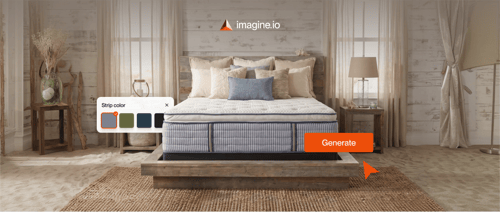
Pricing model: free to start, with no card and no sales call. Every organization gets unlimited configurators, products, variants and materials, and the full constraints, rules and pricing engine. Going live on a commercial site needs a paid plan (commercial licence, no watermark, sales channels, saved projects with quotes and higher limits).
Platforms: Shopify, WordPress, WooCommerce, Magento, BigCommerce, Salesforce Commerce Cloud, Webflow, Squarespace, Wix and any custom site. You can share a link, paste one iframe tag, or build it into a React site with the SDK. See the platform guides.
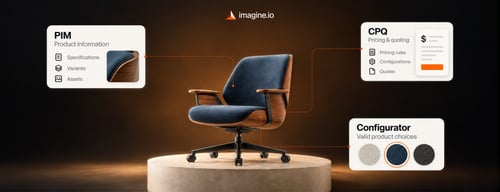
What it does best: a server-side constraints engine. Every change a shopper makes is checked on the server against the limits you set, so only valid configurations reach the cart. Rules, constraints and pricing run in one place, with live, itemized pricing and quote PDFs, AR links and per-channel prices for dealers or marketplaces. Brands without 3D models can have imagine.io's 3D production team build them from photos, drawings or CAD files.
Keep in mind: it is a newer platform than some tools on this list, so it has fewer published reviews so far.
How to choose
-
You run a small Shopify or WooCommerce store and want something live this week: look at Zakeke and the imagine.io Configurator Platform. Both can start without a development project.
-
Your products have complex rules (modular sofas, kitchens, beds with many sizes): look at tools that enforce constraints, not just show options. The imagine.io Configurator Platform checks every change on the server; Expivi ties configuration to production.
-
You need quotes, not only checkout: look at the imagine.io Configurator Platform and Expivi.
-
You are a large brand with an enterprise budget and team: Threekit is built for that scale.
-
You are a retailer and want room planning: look at 3D Cloud.
-
You mainly want better product visuals: look at Cylindo.

Book a demo with our experts