
Why imagine.io Gets Called a “Structured Products” Platform
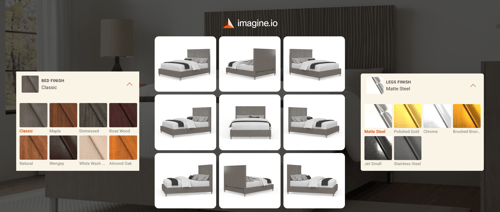
The label comes from where imagine.io is most visible. Many of our public examples show sectional sofas, kitchen cabinets and modular storage.
Those products are easy to demo because they have clear parts:
- Modules that connect in set ways
- Fixed sizes and dimensions
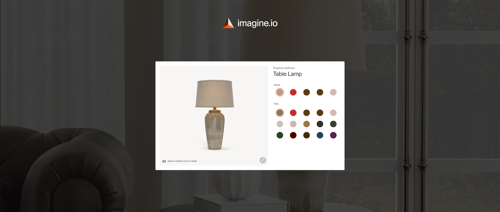
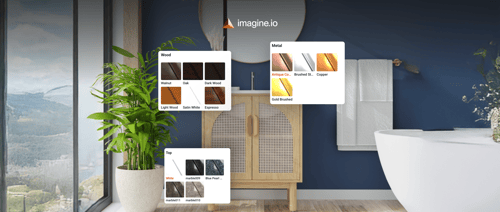
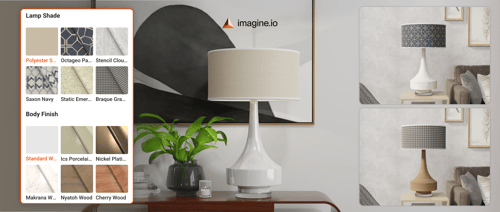
- Finishes, fabrics and hardware chosen from a list
- Rules about which options work together
But the same engine that handles a sofa also handles a refrigerator, a pendant light or a rug. What matters is how a product is defined, not what room it sits in.
What “Structured Products” Actually Means
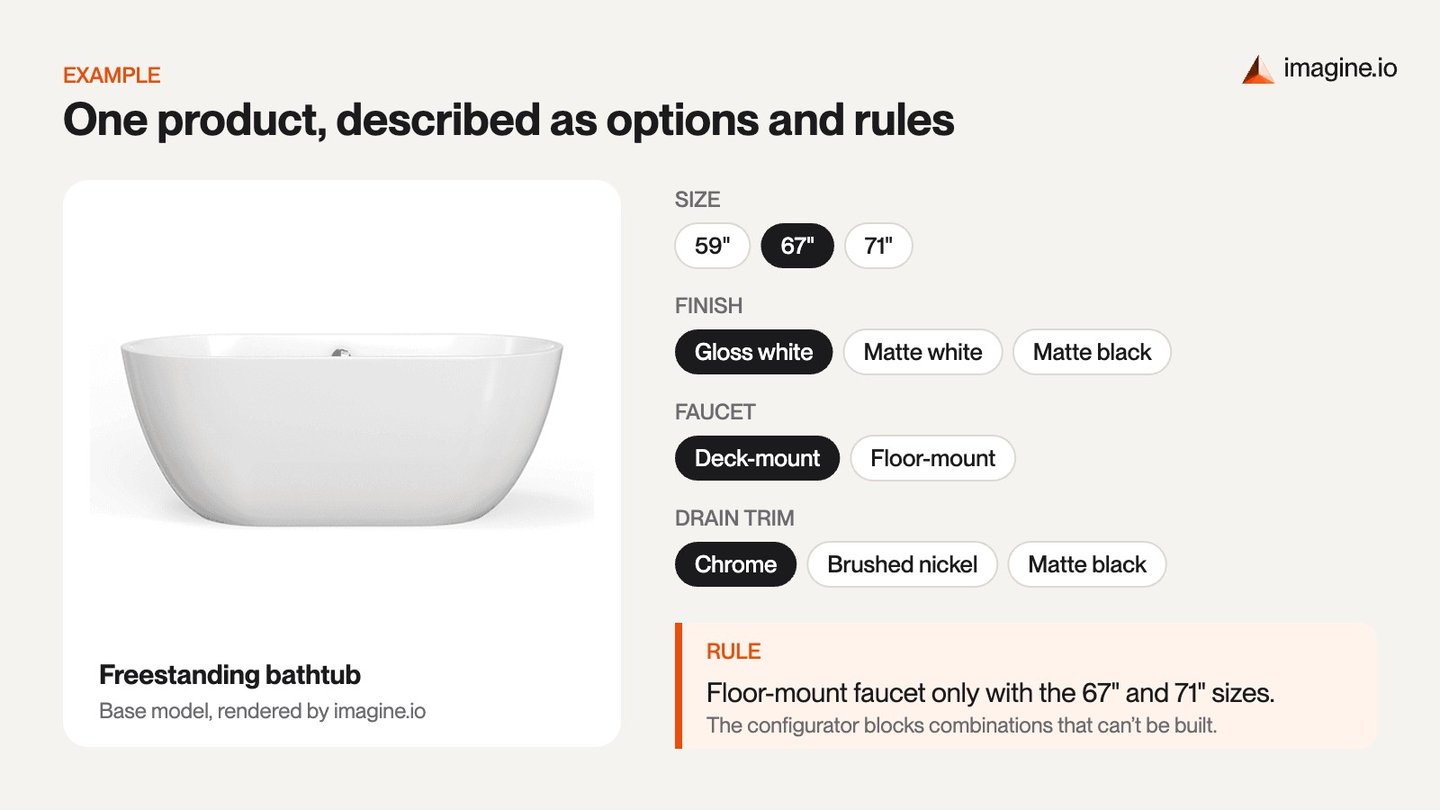
A structured product is any product that can be described as a set of options and rules. Most physical products sold online already work this way.
A rug has sizes, colors, pile heights and construction types. An appliance has models, finishes and door styles. A door has sizes, slabs, glass and hardware.
If your team already manages SKUs, variants or option lists in an ERP or PIM, your product is structured enough for imagine.io.
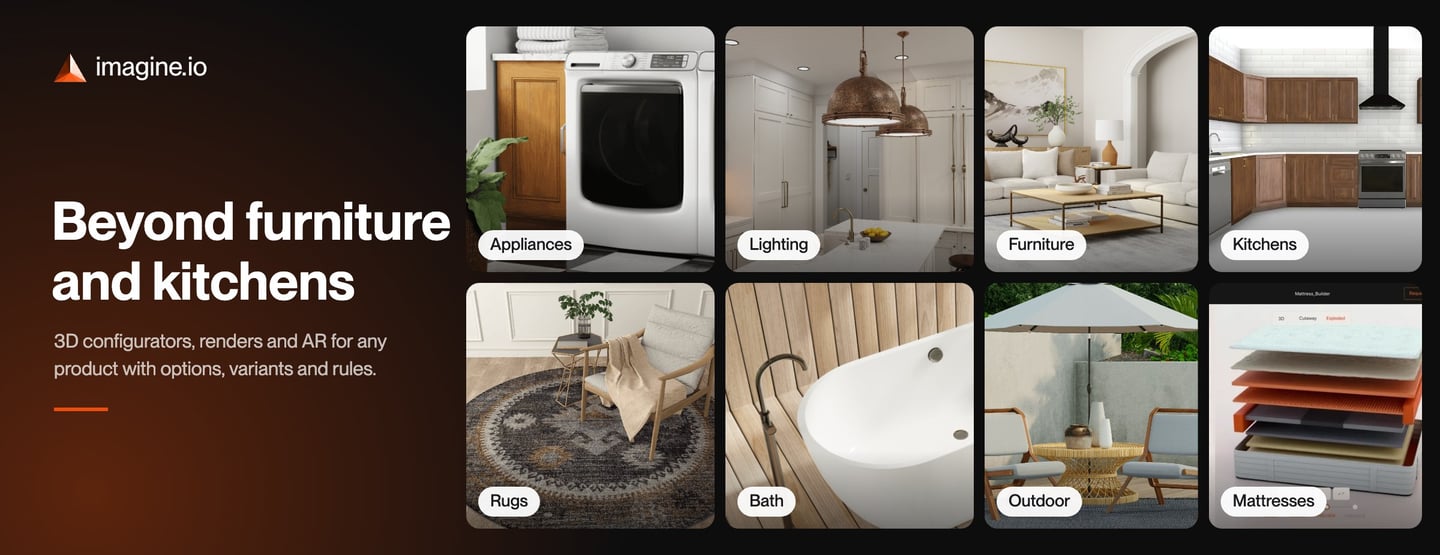
Product Categories imagine.io Supports Today
imagine.io has dedicated solutions for these categories:
- Furniture: configurators, silos and lifestyle scenes, including case goods
- Kitchens and cabinetry: cabinet layouts, doors, hardware and bills of materials in a 3D configurator
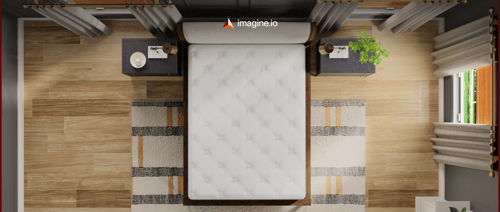
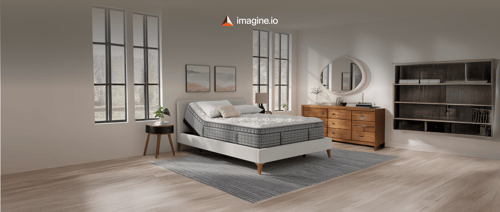
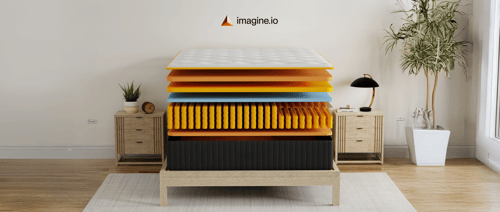
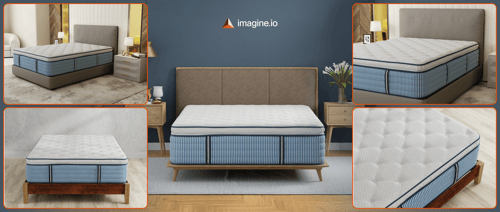
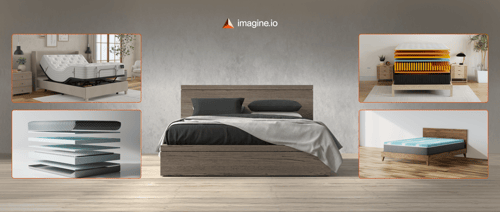
- Mattresses: layer views and catalog assets with Mattress Builder
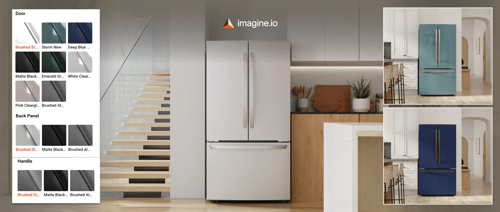
- Appliances: 4K silos, kitchen scenes, 360 spinners and AR
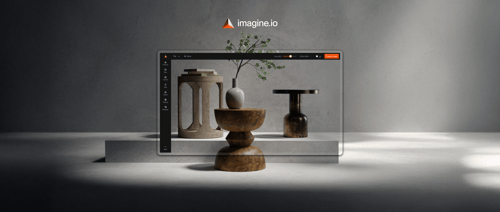
- Lighting: product renders and configurators
- Rugs: renders that show pile height and construction, plus digital samples; see also textiles
- Bath: fixture renders and finish options
- Outdoor: product and lifestyle imagery
- Accessories: silos and lifestyle scenes
- Commercial: workplace products, alongside retail catalogs
The configurator also supports doors, mirrors, frames, office seating and bar equipment. For real examples, see 15+ Product Configurator Examples Across Industries.
Three Ways imagine.io Works With Your Product
You do not need every tool. Most brands start with the one that fits their product and goal.
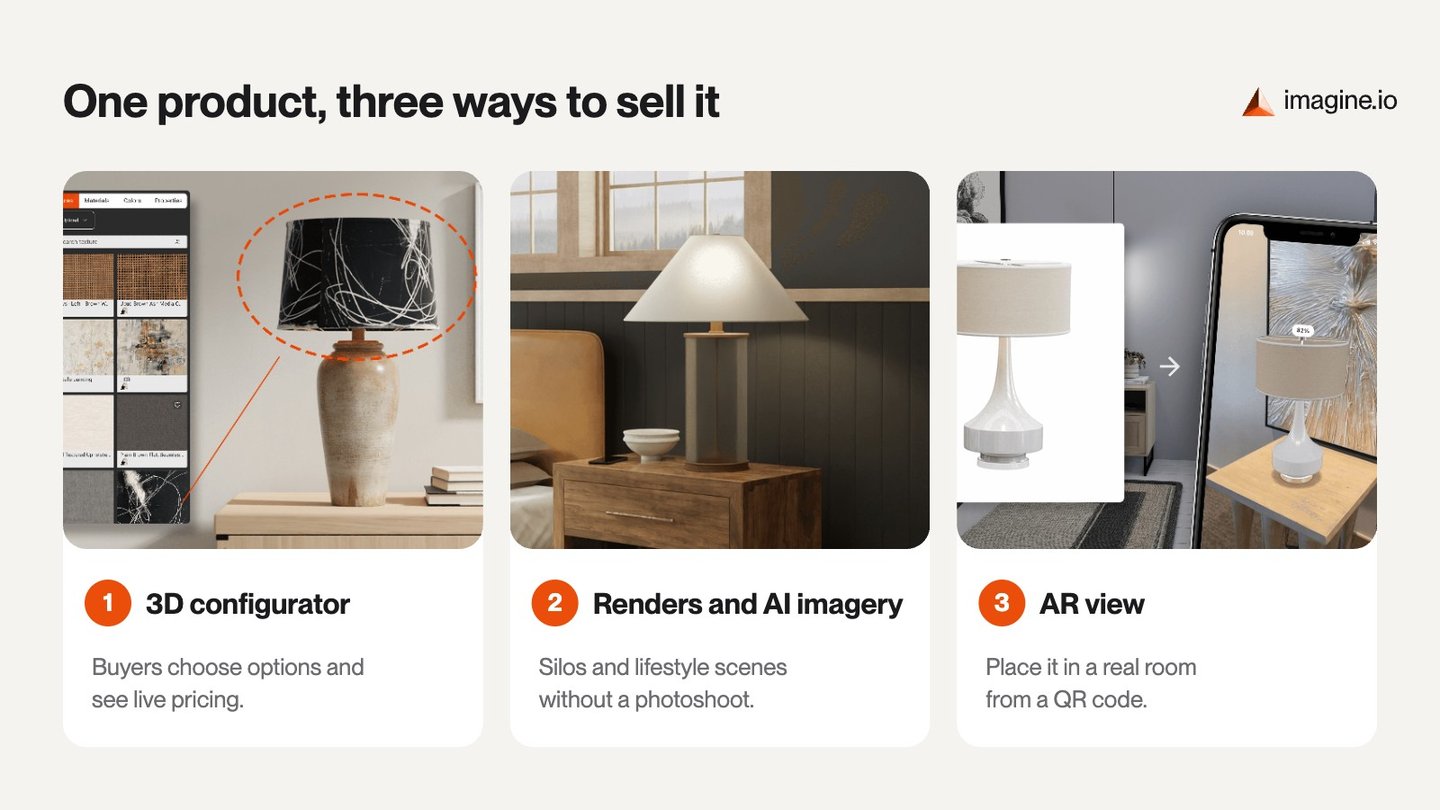
- 3D product configurators. Buyers choose options and see the result in 3D, 360 or AR, with live pricing. Rules keep every combination valid. See how a product configurator works.
- 3D rendering and AI imagery. Teams create silos, lifestyle scenes and videos without photoshoots. AI Studio can start from product photos, so you do not need a 3D model on day one.
- Category tools. Some products need special handling. Mattress Builder shows the layers inside a mattress, something a photo cannot do.
What Makes a Product a Good Fit
Your product is likely a strong fit if it has one or more of these:
- Many variants. Finishes, colors, sizes or materials that would need hundreds of photos.
- Options that depend on each other. Choices where one option limits another.
- Details buyers must see. Textures, pile, metal finishes or internal layers.
- A long sales cycle. Dealers, showrooms or B2B buyers who need quotes and approvals.
- High photography costs. Sarreid reduced photography costs by 80% with imagine.io.
If your product is sold in one fixed version with no variants, a configurator may add little. 3D rendering can still replace photoshoots for it.
How to Check If Your Product Is a Fit
Use these steps before a demo:
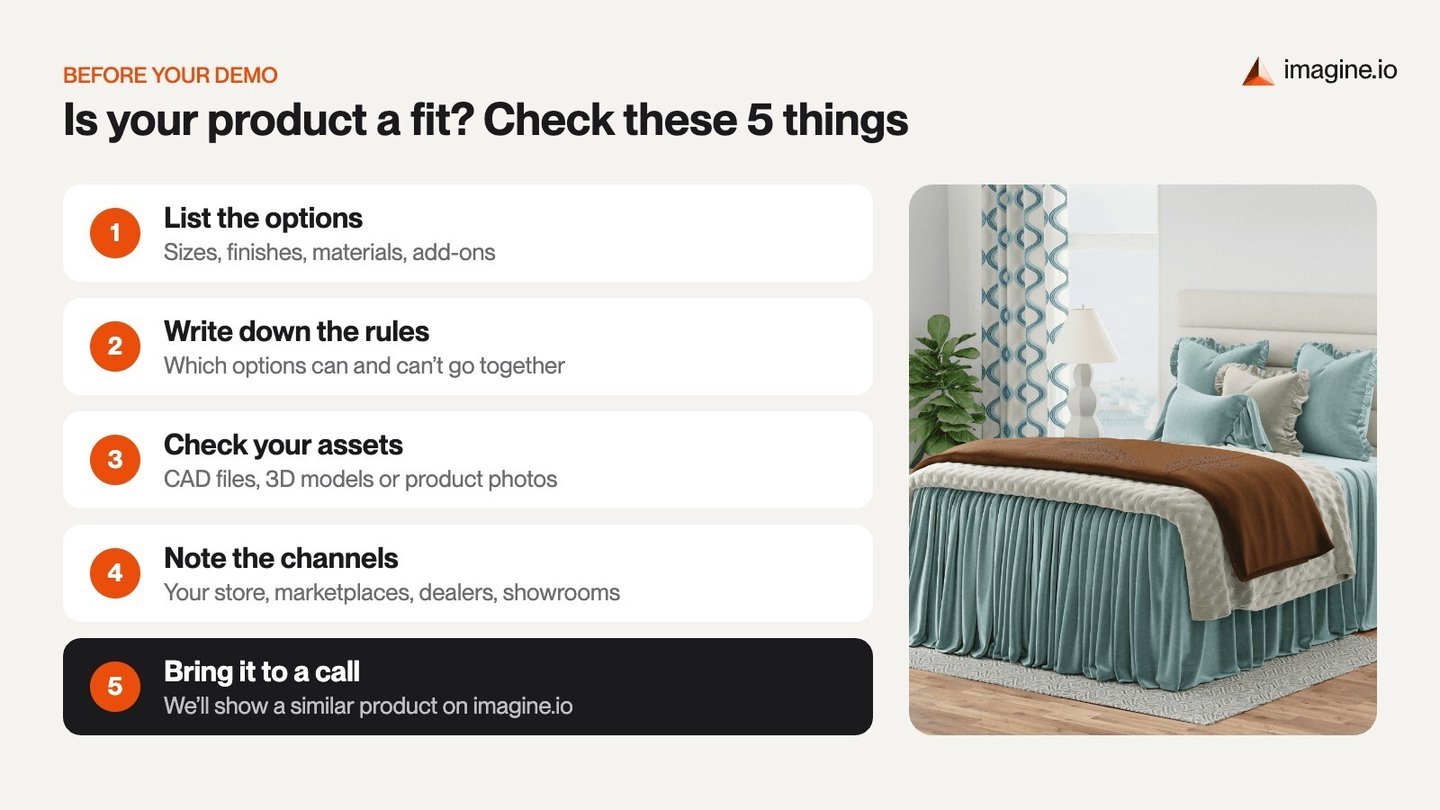
- List your product’s options, sizes and finishes.
- Write down the rules between them, such as “glass doors only in these sizes”.
- Check what assets you have: CAD files, 3D models or product photos.
- Note where buyers will see the product: your store, a marketplace, a dealer site or a showroom.
- Bring this list to a call with our team. We will show you a similar product already running on imagine.io.
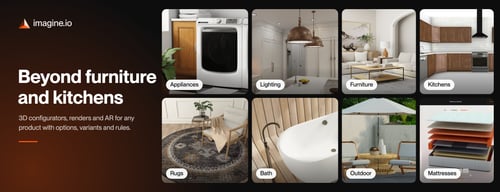
How imagine.io Supports Products Beyond Furniture
Our appliance customers are a good example. Midea increased speed to market and eliminated costly photoshoots by moving to 3D content.
The same platform connects to Shopify, WooCommerce, Salesforce Commerce Cloud, Magento and BigCommerce. Options, prices and delivery windows can sync from your ERP, PIM or CRM.
Developers can build their own experience with the imagine.io Configurator Platform and its SDK. imagine.io is ISO 27001 and SOC 2 Type II certified, with details in our Trust Center.
Fit Depends on Your Product, Not Your Industry
Furniture and kitchens are where imagine.io is best known. They are not the limit of what it supports.
If your product has variants, rules or visual details that matter to buyers, imagine.io can turn it into a configurator, 3D renders or AR views. That applies to appliances, lighting, rugs, bath fixtures, doors and more.
The quickest way to know is to test one product. Start with a few SKUs, compare the output with your current photos, and expand from there.
See your product category in action with Configurators.
.gif?width=1296&height=1296&name=Untitled%20design%20(8).gif)
Activate Your Free Trial




.png?width=500&name=How%20to%20Add%20a%203D%20Product%20Configurator%20to%20Your%20WordPress%20Website%20(Complete%20B2B%20Guide).png)







%20(1).png?width=500&name=Why%20Exploded%20Mattress%20Views%20Matter%20(And%20How%20to%20Generate%20Them)%20(1).png)
.png?width=500&name=Best%20Shopify%20Product%20Configurator_%20How%20to%20Choose%20the%20Right%20One%20(2).png)
.png?width=500&name=Why%20Exploded%20Mattress%20Views%20Matter%20(And%20How%20to%20Generate%20Them).png)


.png?width=500&name=Best%20Shopify%20Product%20Configurator_%20How%20to%20Choose%20the%20Right%20One%20(1).png)

.png?width=500&name=How%203D%20Rendering%20Can%20Make%20or%20Break%20Your%20Industrial%20Design%20Pitch%20(1).png)



%20with%20Digital%20Twins%20and%203D%20Visualization.png?width=500&name=Optimizing%20Your%20Digital%20Asset%20Management%20(DAM)%20with%20Digital%20Twins%20and%203D%20Visualization.png)