
What Does a Product Configurator Do?
A product configurator helps customers or sales teams select valid product options.
For a customizable product, that might include materials, colors, dimensions, components, accessories, layouts, or finishes.
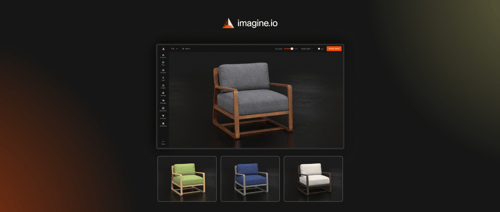
A visual product configurator adds another layer by showing those decisions as the product changes.
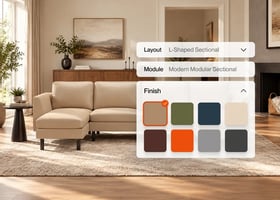
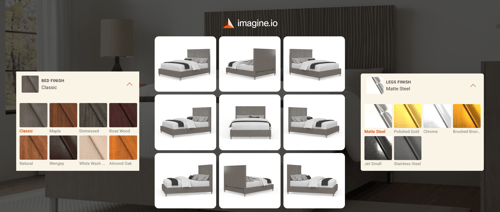
Someone configuring a sofa, for example, could choose the fabric, leg style, size, and sectional layout while seeing the result update in 3D.
Visual feedback gives buyers more context than attribute names or dropdown menus alone. Shopify notes that 3D product media can help shoppers better understand a product's function and size, which can be especially useful when products have many possible variations.
The core question a configurator answers is:
What can I build, and what will it look like?
Imagine.io's 3D product configurators let buyers explore materials, finishes, layouts, components, and accessories while product rules keep configurations valid.
What Does CPQ Do?
CPQ stands for Configure, Price, Quote.
The word "configure" matters. CPQ does more than calculate a final price.
Salesforce explains that CPQ software can guide product selection, apply pricing and discount rules, manage approvals, and generate quotes.
For example, a B2B order might involve:
- Customer-specific pricing
- Volume discounts
- Compatible product bundles
- Optional services
- Regional pricing
- Approval thresholds
- Contract terms
CPQ applies those commercial rules to a configuration and turns it into a valid proposal or quote.
Its core question is:
What can we sell to this customer, under what commercial terms, and at what price?
What Does PIM Do?
PIM stands for Product Information Management.
A PIM centralizes the structured information used to describe and market products across different channels.
- Product names
- SKUs
- Dimensions
- Materials
- Technical specifications
- Descriptions
- Categories
- Localized content
- Channel-specific attributes
PIM is therefore primarily a product-information system.
Its core question is:
What information defines and describes this product?
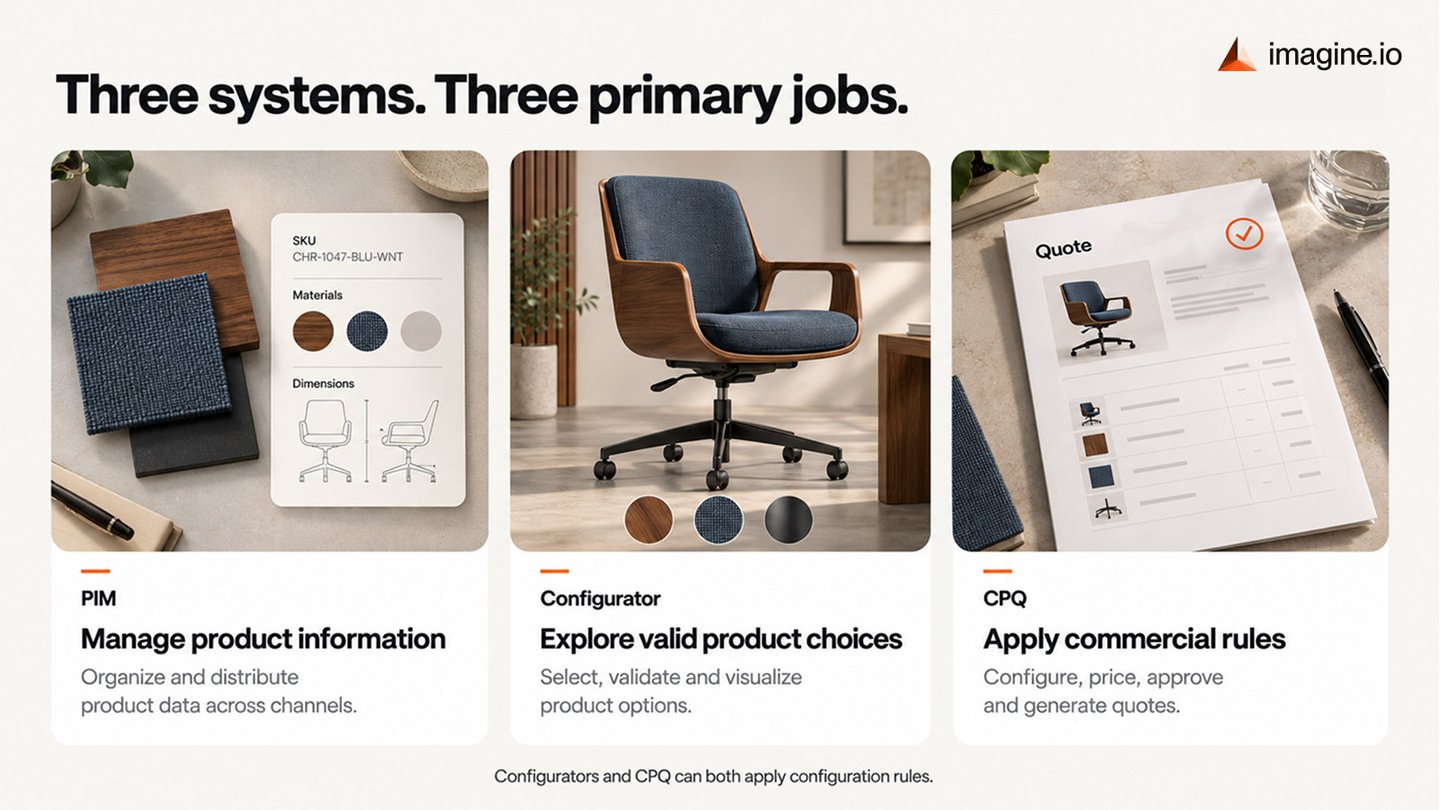
Configurator vs CPQ vs PIM
| System | Primary responsibility | Typical users | Main question |
|---|---|---|---|
| PIM | Managing and distributing product information | Product and ecommerce teams | What information describes the product? |
| Product configurator | Selecting, validating, and visualizing product options | Customers and sales teams | What can I build and see? |
| CPQ | Configuration, pricing, approvals, and quoting | Sales and revenue teams | What can we sell, and under what terms? |
The boundaries are not always rigid.
Both configurators and CPQ platforms, for example, may apply rules that prevent invalid combinations. The difference is usually where each system sits in the buying journey and what happens after a configuration is created.
Where Configurators and CPQ Overlap
This is where the distinction can become confusing.
Both systems may control compatible options, dependencies, bundles, and product rules.
The difference is usually one of emphasis.
A product configurator is often designed around product exploration and buyer understanding. A visual configurator can make complex choices easier to understand by showing each change immediately.
CPQ is typically designed around commercial execution. It ensures that the selected products, pricing, discounts, approvals, and quote are valid for a specific deal.
For businesses that need both capabilities, visual configuration can become part of a larger CPQ workflow. Imagine.io's guide to Visual CPQ explains how interactive visualization can complement pricing and quoting processes.
How PIM, Configurators, and CPQ Work Together
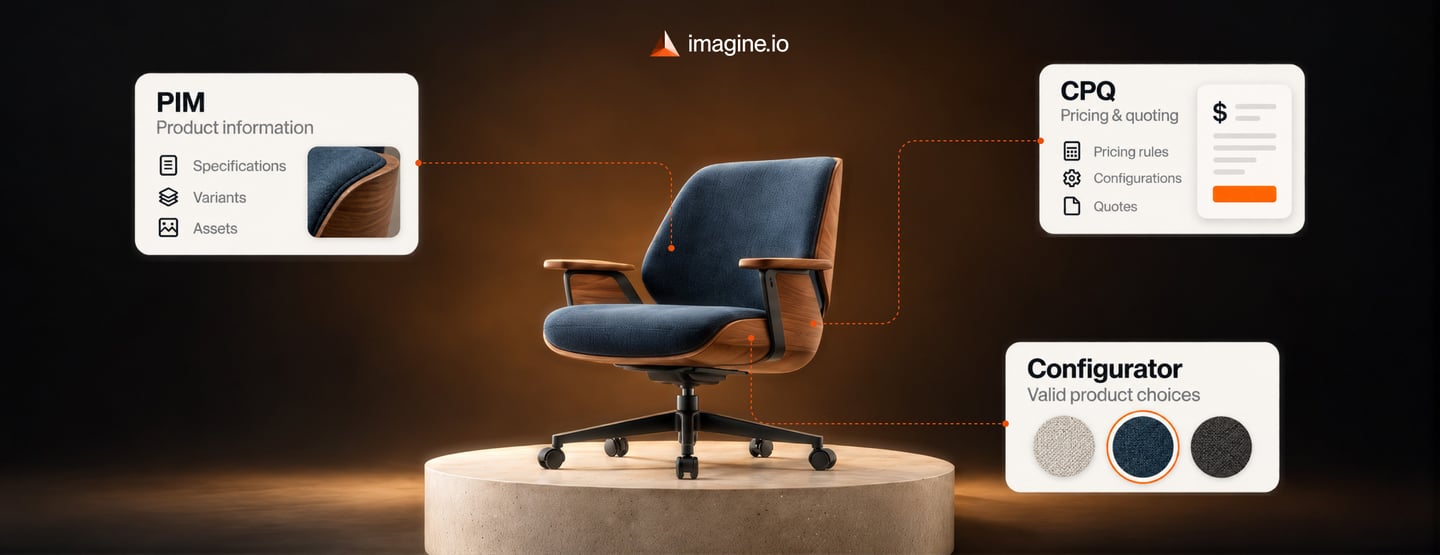
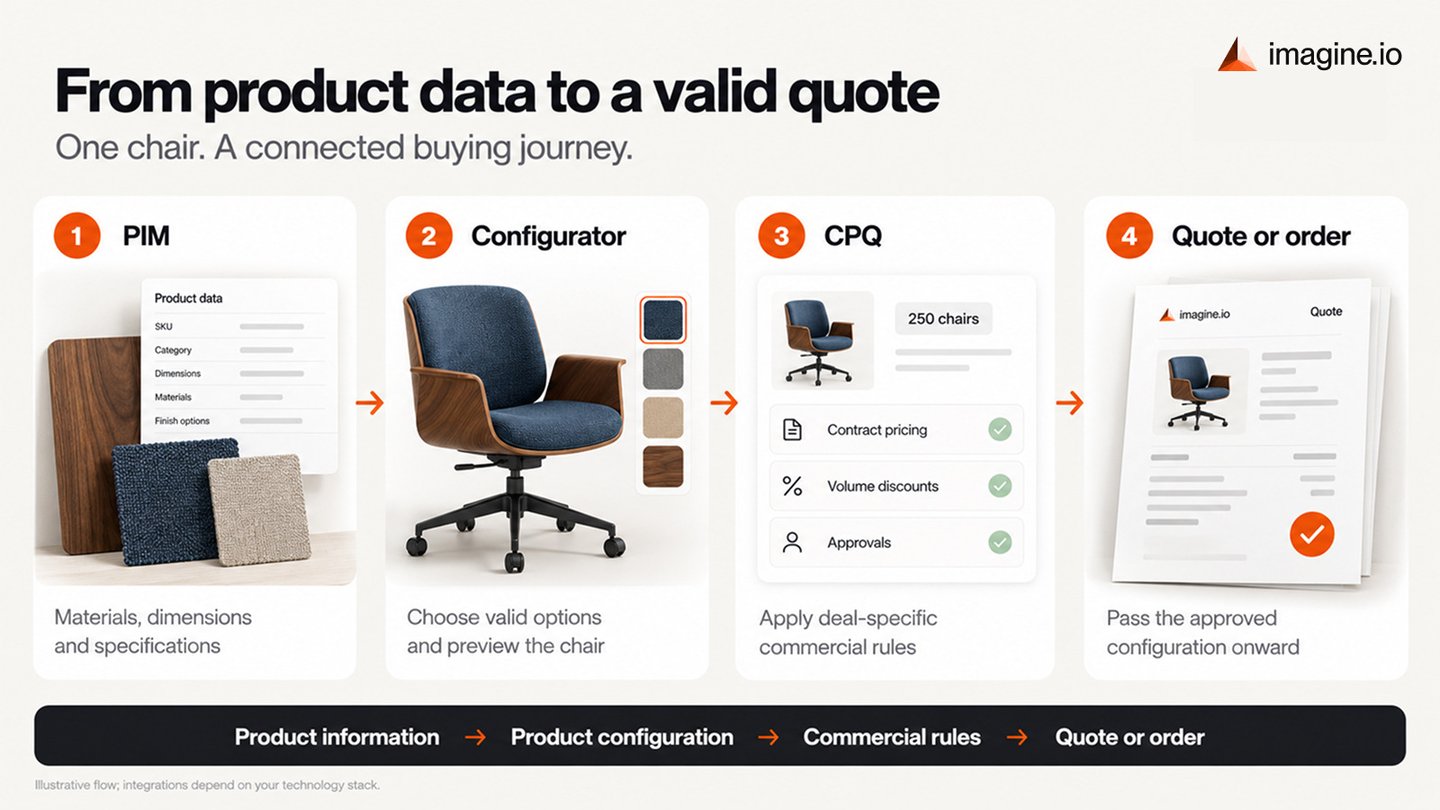
Consider a manufacturer selling configurable office chairs.
The PIM stores information about available materials, dimensions, finishes, product descriptions, and technical specifications.
The configurator lets a buyer choose a walnut frame, blue upholstery, a specific arm style, and a particular base. Product rules prevent incompatible combinations, while the buyer sees the chair change on screen.
The CPQ system takes that configuration and applies the commercial context. If a corporate customer orders 250 chairs, CPQ might apply contracted pricing, volume discounts, delivery services, and required approvals before producing a quote.
The flow can look like this:
Product information → Product configuration → Commercial rules → Quote or order
These systems become more useful when the data can move between them.
As covered in Imagine.io's guide to backend integration for modern configurators, configurators can connect with systems such as PIM, CRM, ERP, and other business platforms so that buyer selections remain aligned with the data behind them.
Which System Do You Actually Need?
Start with the business problem rather than the software category.
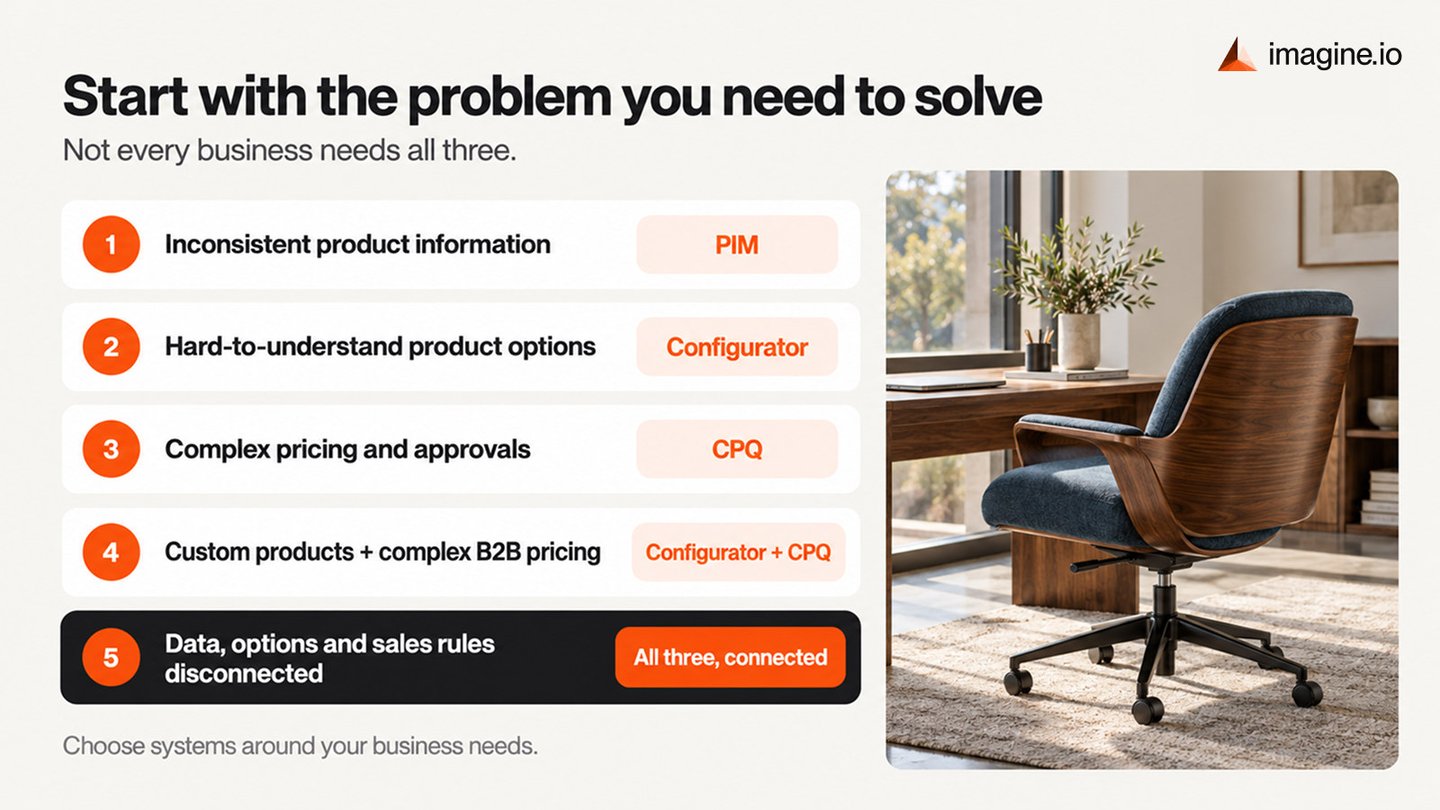
| If your main challenge is... | Consider starting with... |
|---|---|
| Product information is inconsistent across channels | PIM |
| Buyers struggle to understand or customize complex products online | Product configurator |
| Sales teams struggle with complex pricing, discounts, approvals, or quotes | CPQ |
| Products are highly configurable and B2B pricing is complex | Configurator + CPQ |
| Product data, configuration, and commercial rules are all fragmented | PIM + configurator + CPQ |
Not every business needs all three.
A retailer with a large catalog of standard products may prioritize PIM.
A manufacturer with negotiated pricing and complex sales agreements may depend heavily on CPQ.
A furniture, equipment, home-goods, or other brand selling highly customizable products may have a stronger need for a visual configurator.
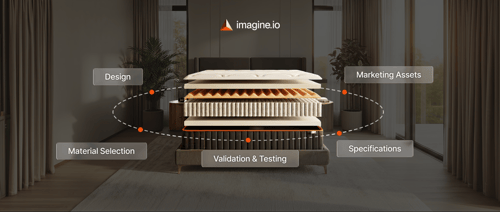
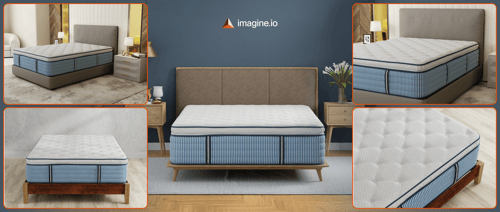
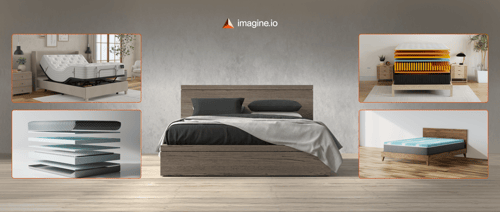
Some categories have even more specialized configuration needs. Mattress manufacturers, for example, may need buyers or internal teams to work with layers, fabrics, cutaways, and product variations. Imagine.io's Mattress Builder brings those configuration and visualization workflows into one environment.
Where a Visual Configurator Fits
A visual configurator sits close to the buyer experience.
Instead of asking someone to interpret product codes, specification tables, or long option lists, it turns product choices into something they can see and understand.
That does not mean the configurator needs to replace the systems behind it.
It can act as the interactive layer that connects the buyer with product data, configuration rules, ecommerce workflows, and sales processes.
For businesses already using PIM, ERP, CRM, ecommerce, or CPQ systems, that distinction is important. The goal should be a connected architecture where each system has a clear responsibility.
The Practical Takeaway
PIM, configurators, and CPQ solve related but different problems.
PIM manages product information.
A configurator helps buyers create, validate, and visualize product choices.
CPQ applies the commercial rules needed to price and quote those choices.
There can be overlap, especially around configuration logic. That does not mean one system automatically replaces another.
The right technology stack depends on where complexity exists in your business: product information, product customization, commercial processes, or all three.
The strongest setup is not necessarily the one with the most software. It is the one where every system has a clear job, data stays connected, and buyers can move from product exploration to purchase without unnecessary friction
.gif?width=1296&height=1296&name=Untitled%20design%20(8).gif)
Activate Your Free Trial






.png?width=500&name=How%20to%20Add%20a%203D%20Product%20Configurator%20to%20Your%20WordPress%20Website%20(Complete%20B2B%20Guide).png)














%20(1).png?width=500&name=Why%20Exploded%20Mattress%20Views%20Matter%20(And%20How%20to%20Generate%20Them)%20(1).png)
.png?width=500&name=Best%20Shopify%20Product%20Configurator_%20How%20to%20Choose%20the%20Right%20One%20(2).png)
.png?width=500&name=Why%20Exploded%20Mattress%20Views%20Matter%20(And%20How%20to%20Generate%20Them).png)


.png?width=500&name=Best%20Shopify%20Product%20Configurator_%20How%20to%20Choose%20the%20Right%20One%20(1).png)




.png?width=500&name=How%203D%20Rendering%20Can%20Make%20or%20Break%20Your%20Industrial%20Design%20Pitch%20(1).png)







%20with%20Digital%20Twins%20and%203D%20Visualization.png?width=500&name=Optimizing%20Your%20Digital%20Asset%20Management%20(DAM)%20with%20Digital%20Twins%20and%203D%20Visualization.png)